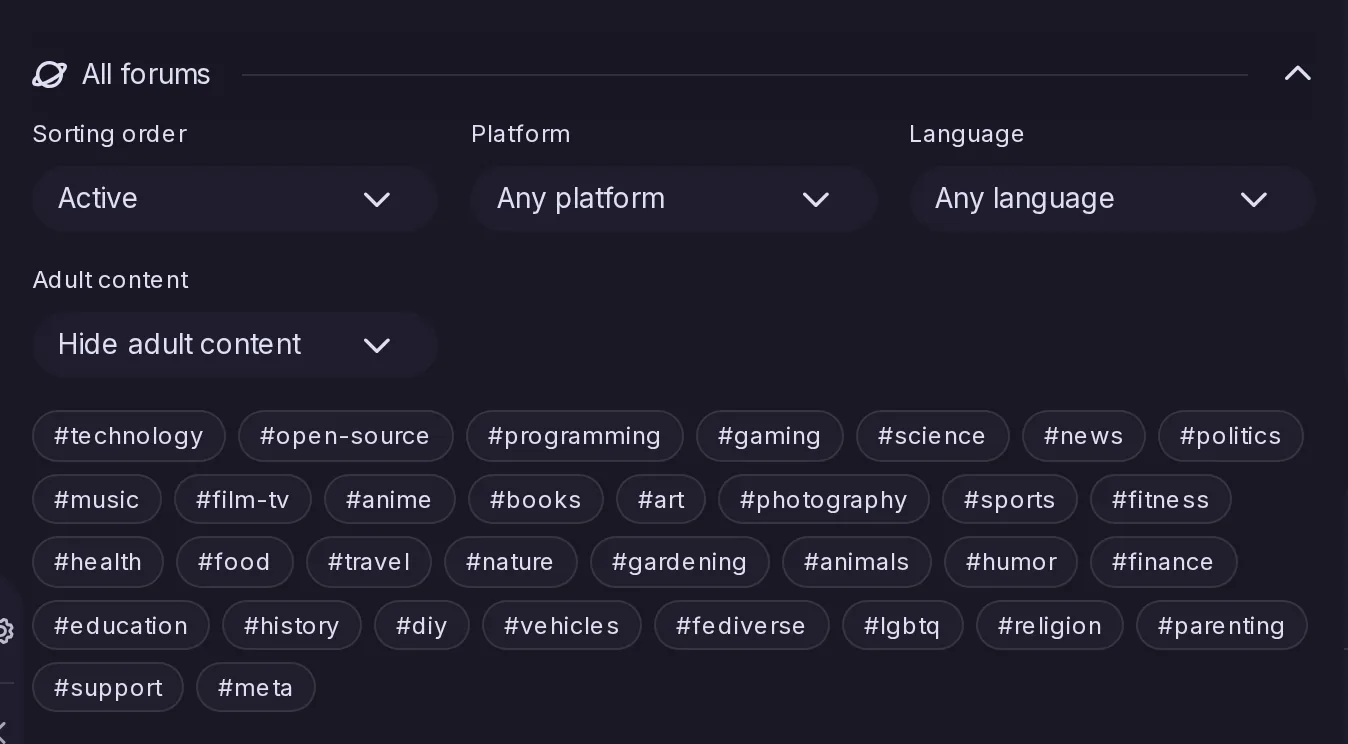
Forum search and Explore → Forums now reach Catodon’s Threadiverse Catalog, so even a new or small server can find forums it has never met. Each result is a card with the forum’s platform, language, topics, subscribers and last activity, and can be followed in one step. When the catalog is switched off, a link to the catalog site takes its place.
A new notes/context endpoint returns the replies above and below a post, in thread order, within the same limits as Mastodon. It backs the thread view of Mastodon apps; Catodon’s own thread views do not use it.
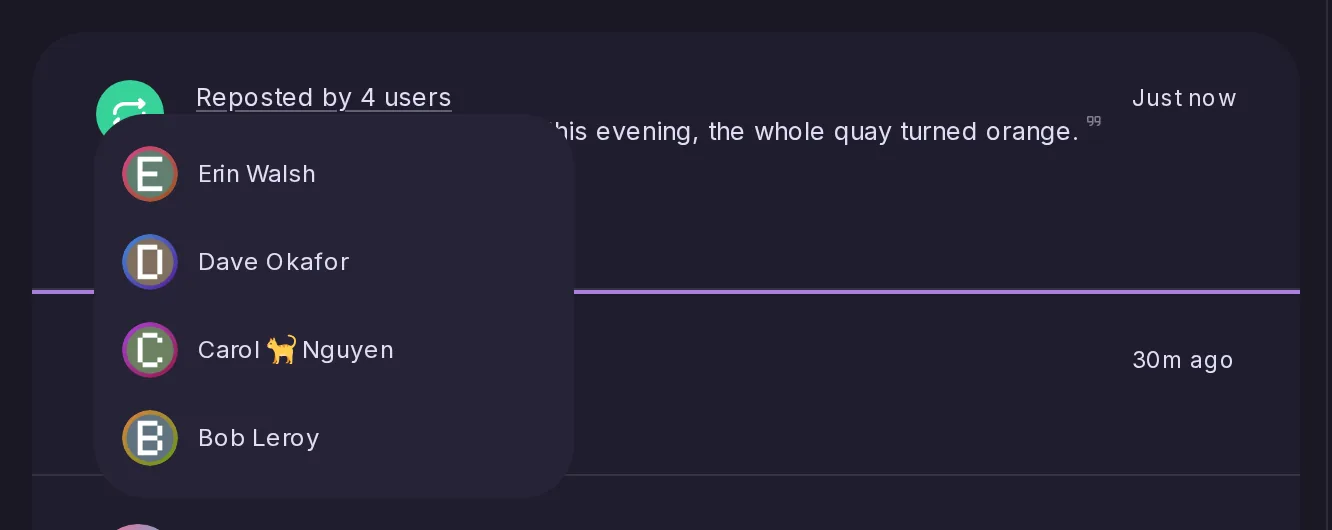
Real like and repost counts on posts from Mastodon
A popular post from another server used to show only the likes and reposts that happened to reach here, often a small fraction of the real number. Catodon now reads the counts Mastodon states on its own posts, shows the larger of the two, and refreshes them as the post is read.
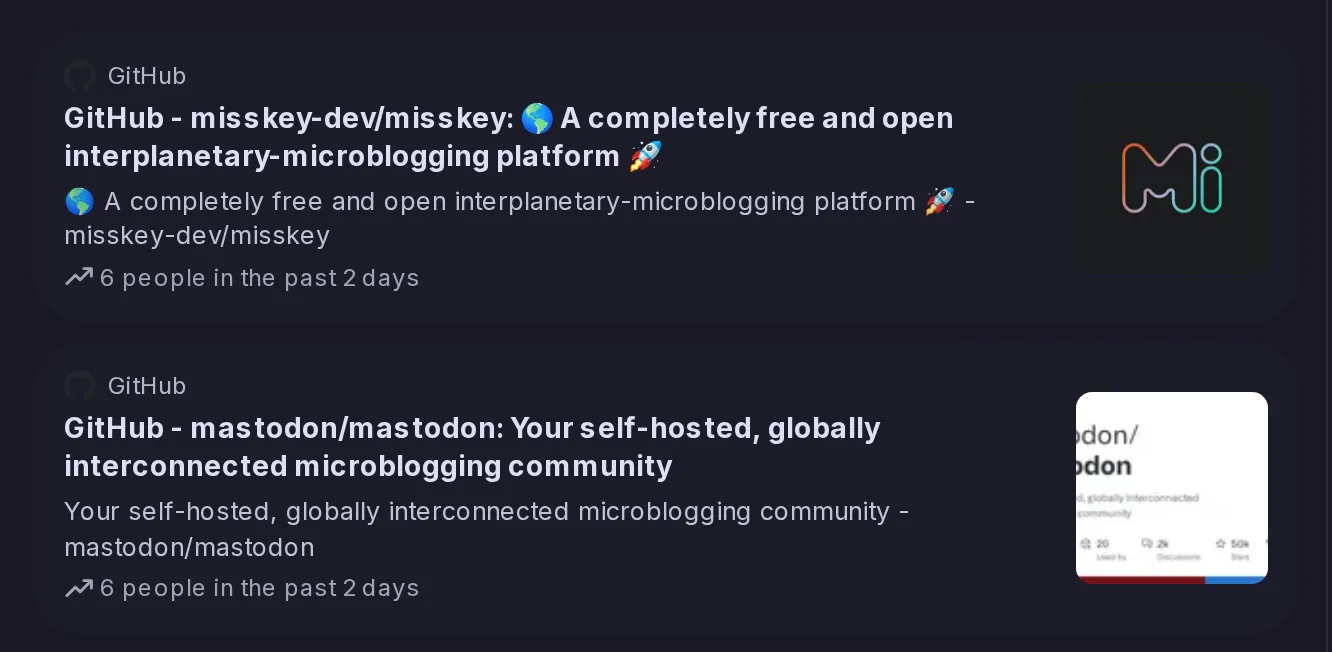
The server now counts the links people share and ranks the ones suddenly shared more than the day before, the way Mastodon does. Explore gains a Links tab where each one is a card leading to the posts sharing it, and by default nothing is shown until a moderator approves the link or its publisher.
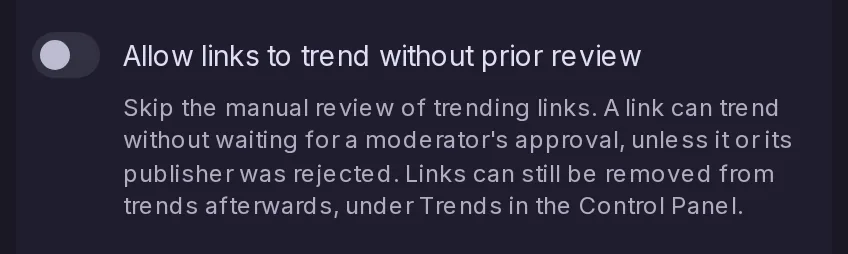
Admins can let links trend as soon as their score allows, without waiting for a moderator’s approval. It is off by default, and when it is on, rejecting a link or its publisher still takes it out of trends.
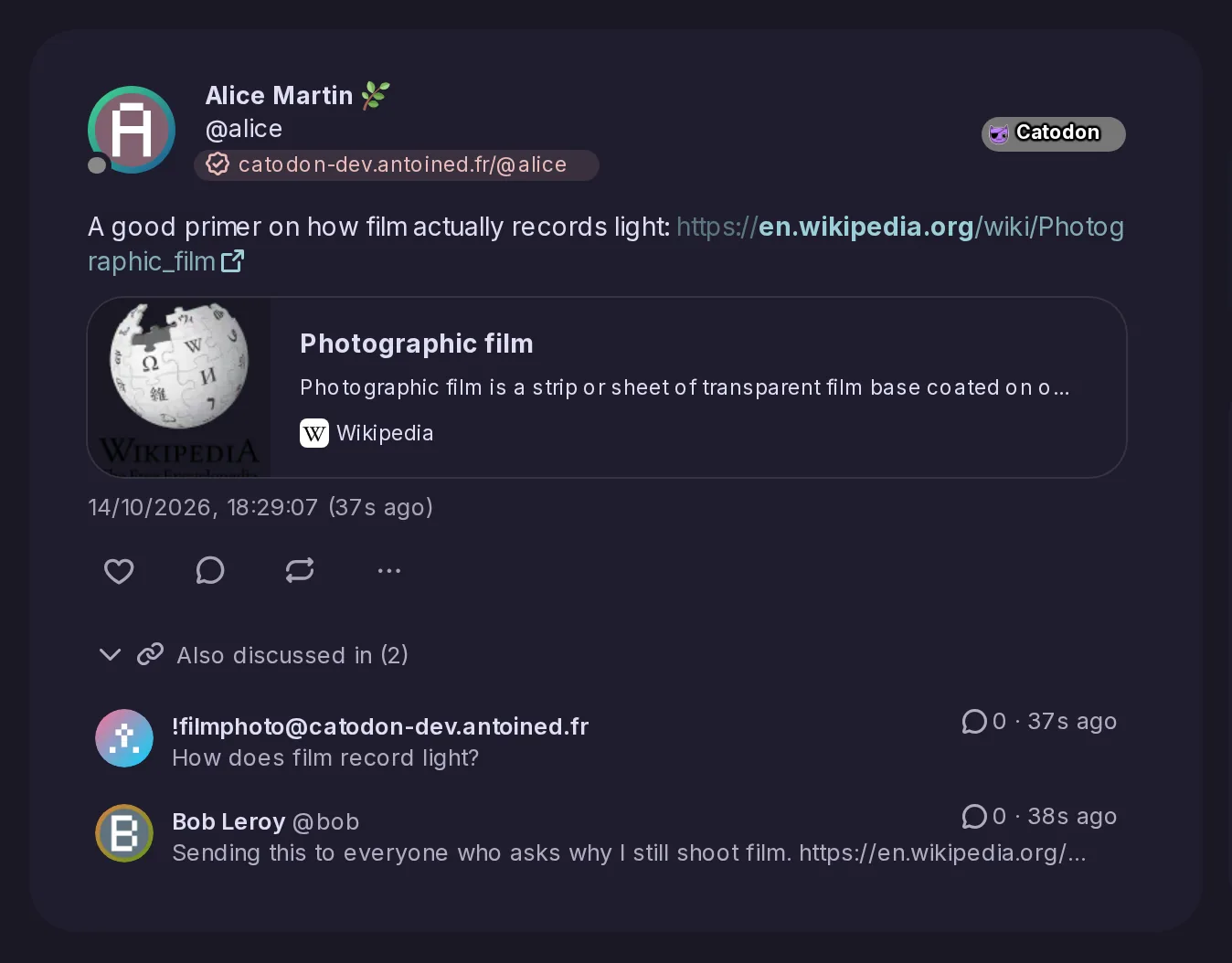
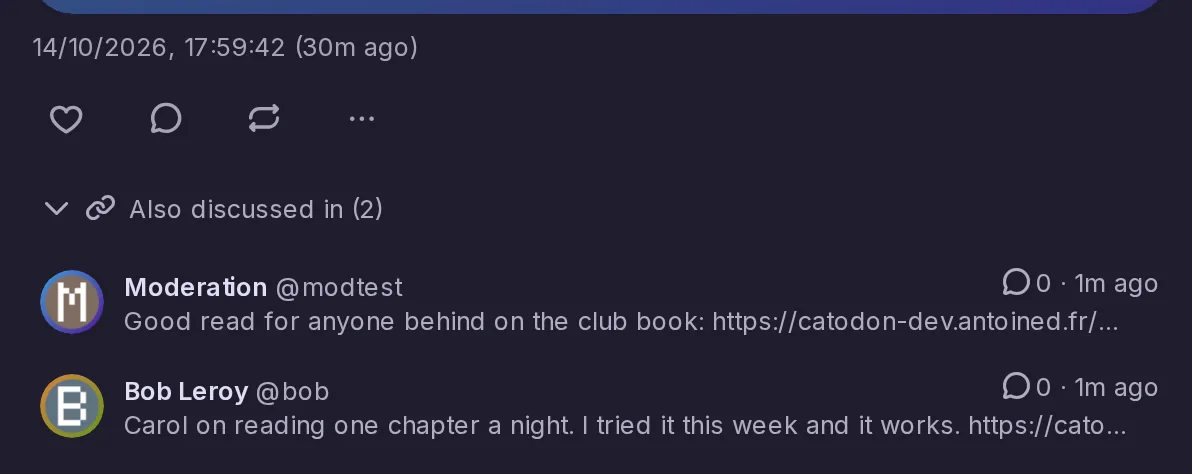
Under a post that shares a link, “Also discussed in” lists the other posts sharing it, forum topics first, then the most replied to, and only those you could open anyway. The forums a topic is cross-posted to move beside it, under “Cross-posted to”. Posts from before the upgrade are found once they are edited.
A blog post’s companion post, the one that carries its replies and reactions, now lists under “Also discussed in” the posts that link to the blog post, by either of its addresses. Who sees what follows the same rules as for any other post.
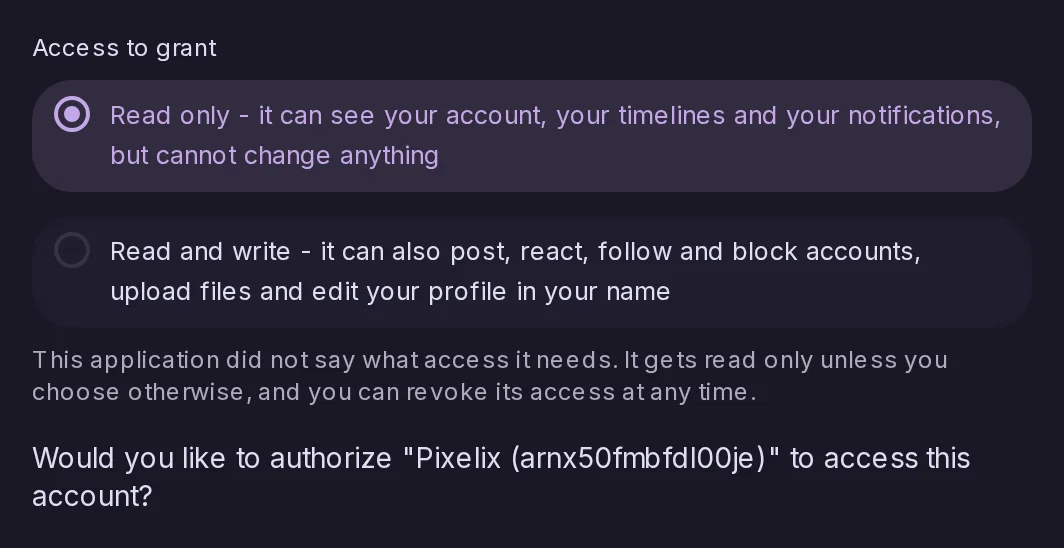
Two things stopped them: the token Catodon handed over lacked a field the app insisted on, and an app that asks for no particular access could only read. Both are fixed, and such an app now lets you choose between read only and read and write when you authorize it.
Every process now watches its PostgreSQL pools and warns when queries have been left waiting for a free connection, then logs each pool's peaks once an hour. The pool size can be set from evidence rather than guessed.
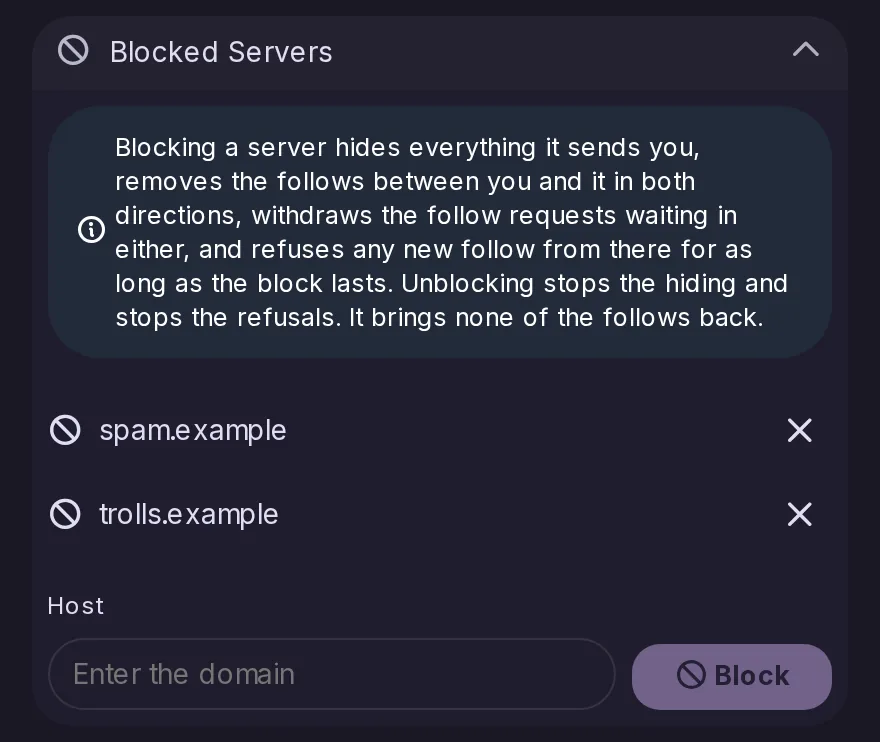
Settings → Mutes and blocks gains a Blocked servers section beside the muted ones. It lists the servers you have blocked, unblocks them one by one, and takes a new host to block.
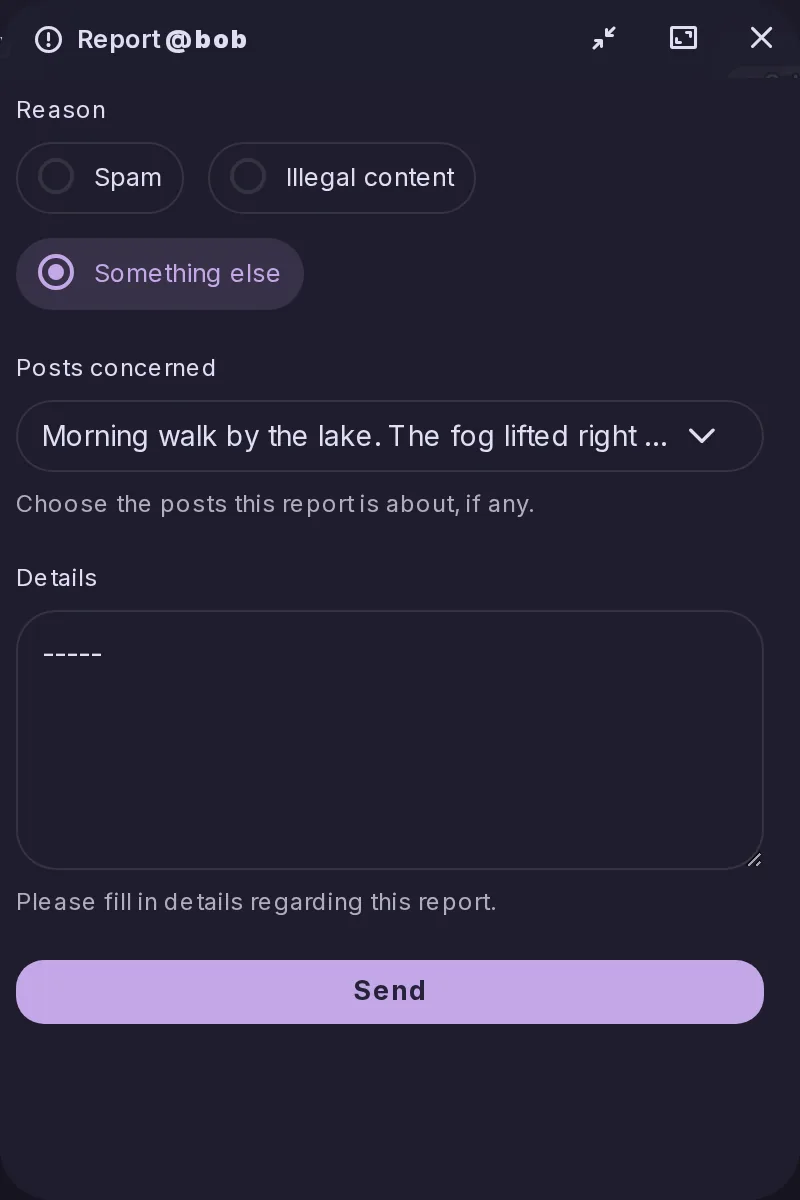
Hear about replies to something you are not part of. Watching a post covers replies to that post; watching a thread covers every reply under it. Each reply arrives as its own notification type with its own switch, a busy thread folds into one grouped notification, and everything you watch is listed under a Watching tab beside your bookmarks.
Posting a topic to several forums used to publish it several times over, as unrelated posts. It now publishes once, in the forum the most people can read, and gives each of the others a cross-post that quotes and links back — the shape Lemmy uses, so readers there and on PieFed get the text as well.
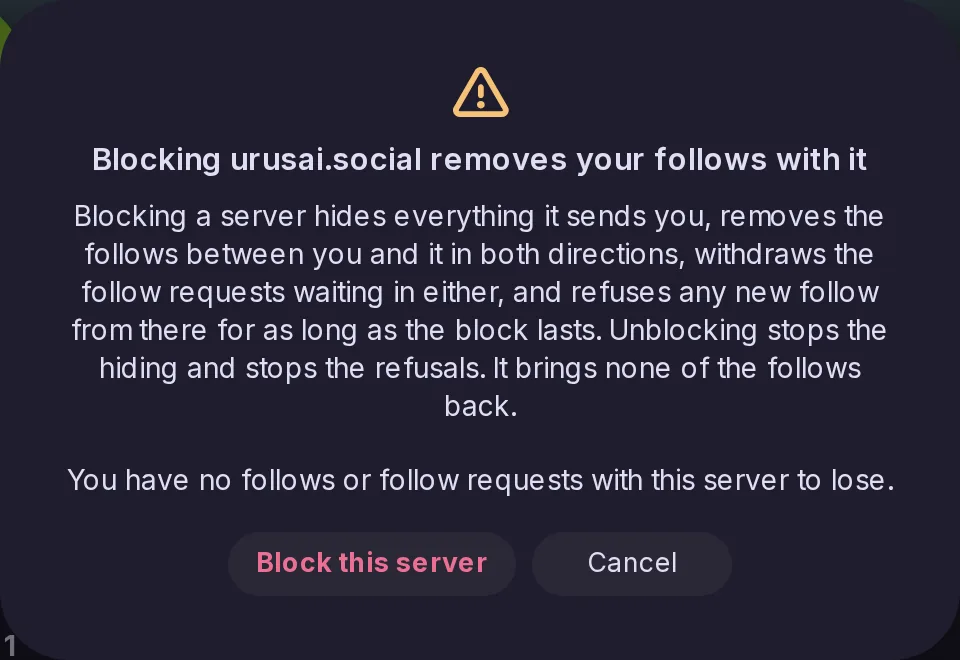
A mute hides what a server sends you. A block also removes the follows in both directions, withdraws the requests waiting in either, and refuses new follows for as long as it lasts. That part cannot be undone, so a warning naming the server and counting what is about to go comes first.
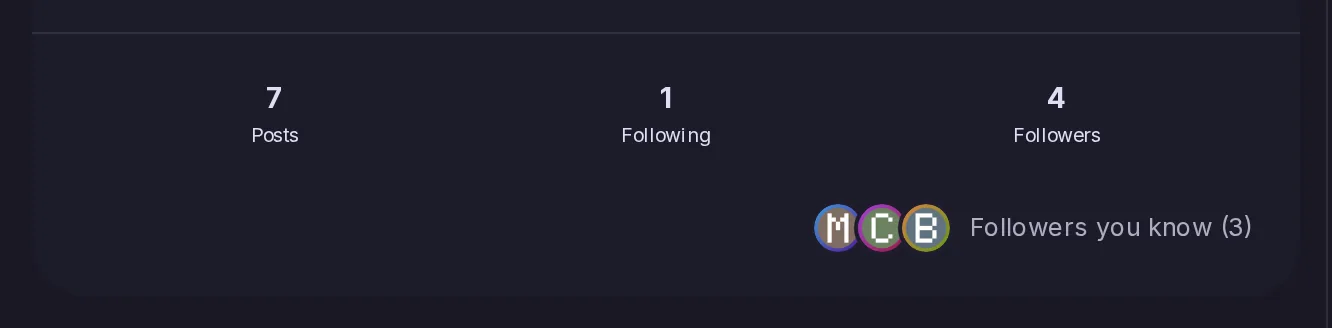
A profile now shows, under the counters, a row of faces for the accounts you follow who also follow it, with the total beside them. It is Mastodon's “followers you know”, and the Mastodon route for it stops answering an empty list for every account.
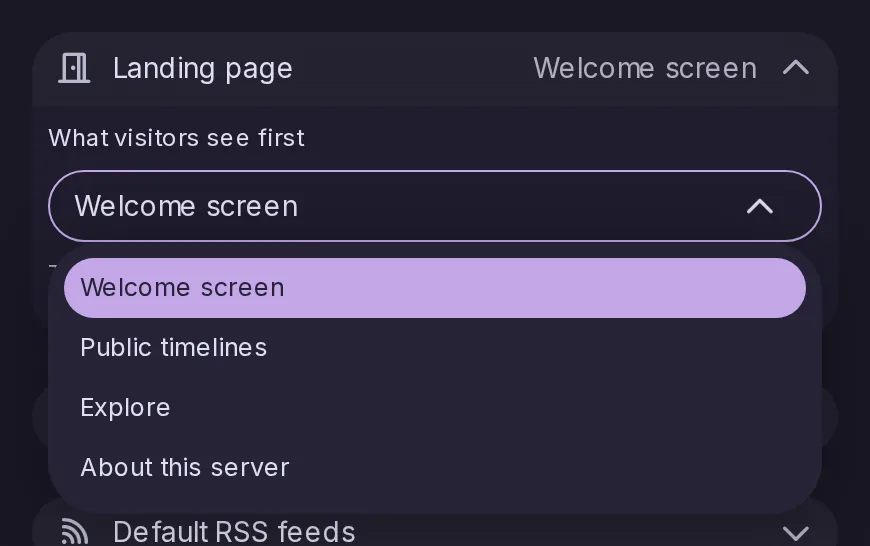
A Landing page setting decides what somebody who is not signed in gets at the site root: the welcome screen, the public timelines, Explore or the About page. Only pages that work without an account are offered, and the stored default is what the server served before.
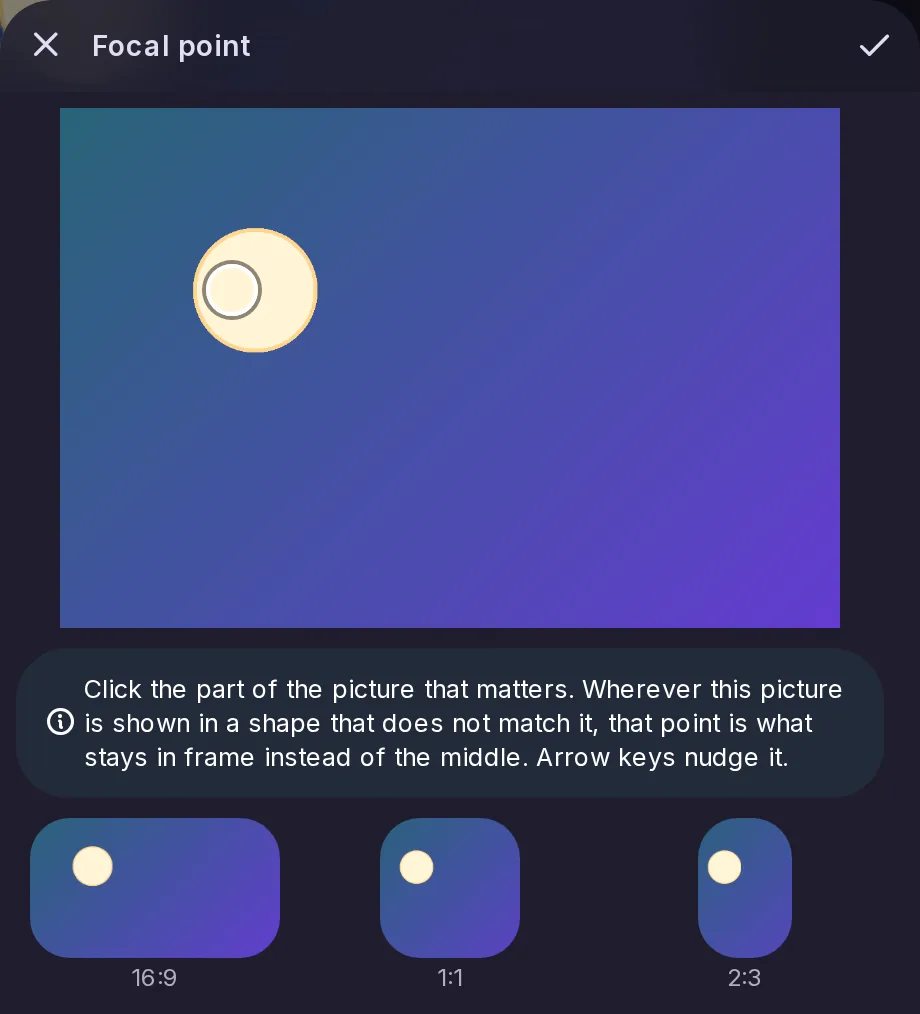
Mark the spot that stays in frame wherever the picture is cropped, with arrow keys to nudge it and previews of what a 16:9, 1:1 or 2:3 crop will keep. Every thumbnail honours it, the blurhash placeholder included, and it federates in both directions as Mastodon's focal point.
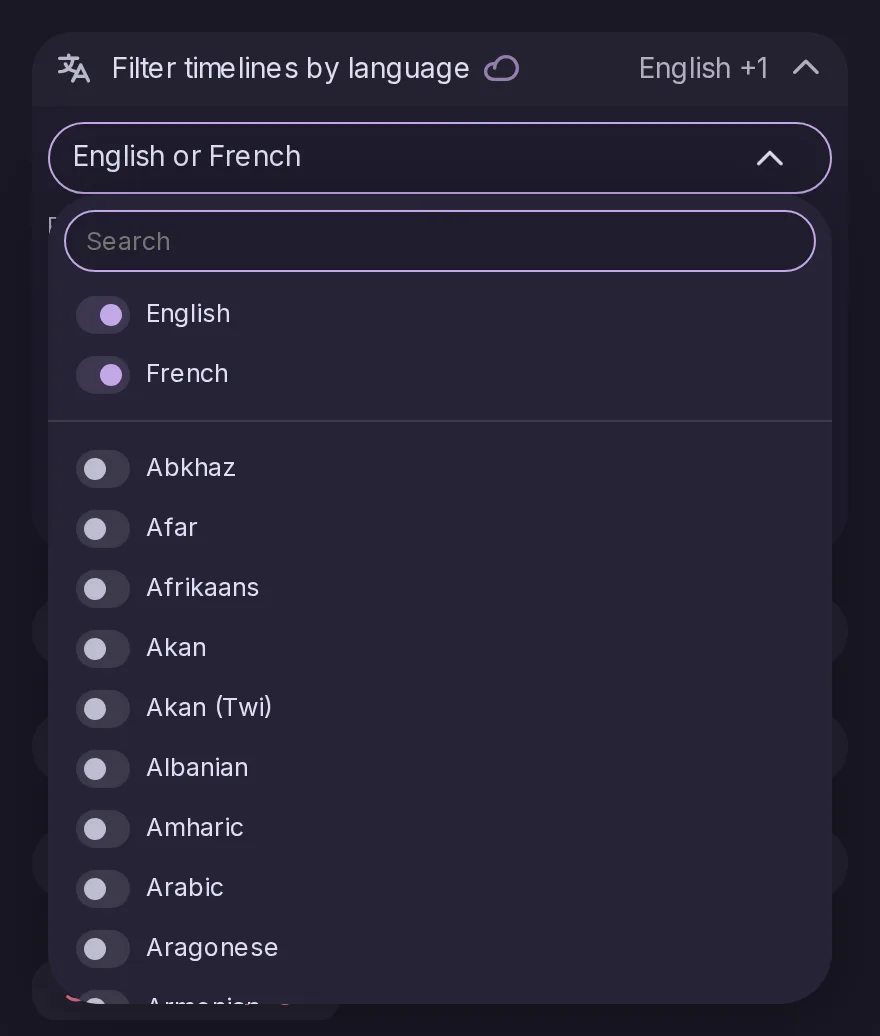
A list of languages in Settings → Timelines, after which your timelines leave out posts written in any other one. It reaches Home, Social, Local, Bubble, Public, your lists and your custom feeds, never hides your own posts, and belongs to the account rather than to one browser, so it works the same in every app.
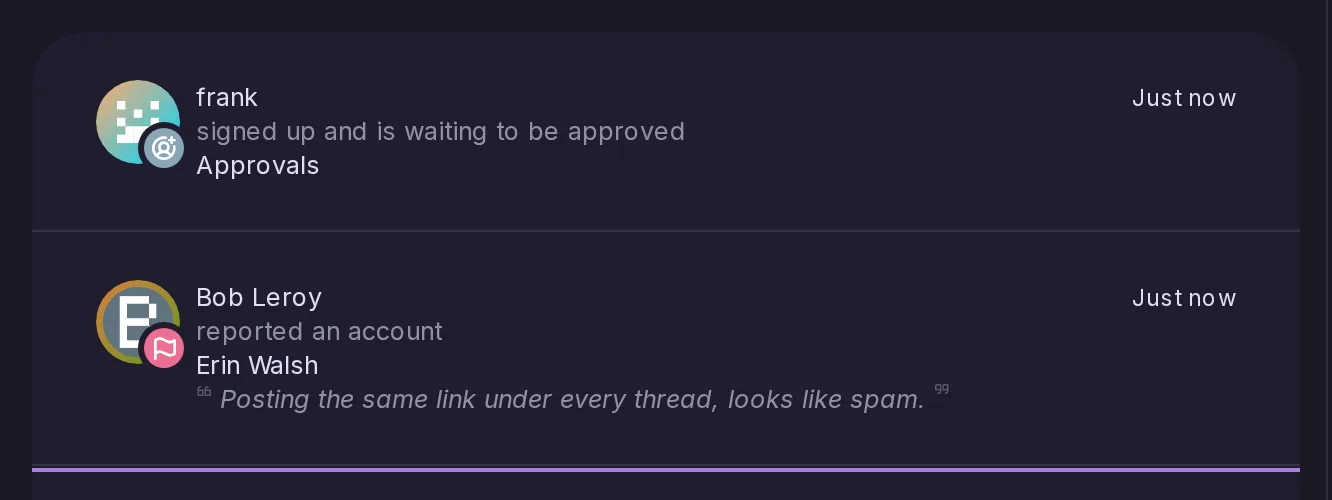
Two notifications, Mastodon's admin.report and admin.sign_up, now go to every account that may moderate. A second report about an account that already has an unresolved one notifies nobody, so a pile-on does not become a pile of notifications.
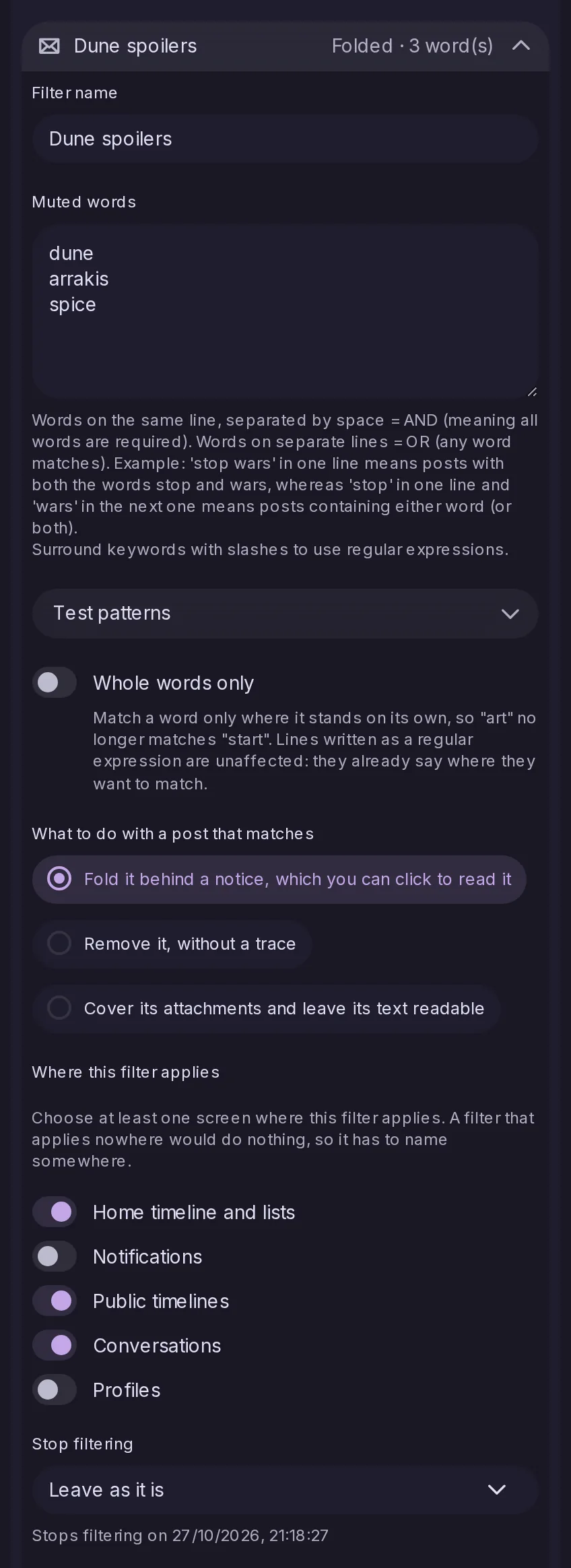
A filter now has a name, a set of words, the screens it applies on, what to do with a post that matches — fold it behind a notice, remove it, or cover its attachments and leave the text readable — and, if you want one, a date it stops. Your two existing lists become the first two filters, so nothing you already filter changes.
The Mastodon filter routes now read and write the very filters the settings screen shows, so one made in Tusky is the one shown here and the other way round. Until now, what a Mastodon client set was remembered per access token and filtered nothing at all.
Posts that declare no language, and a per-timeline override
A switch decides what happens to a post that declares no language — off by default, because many servers never declare one and everything received before languages were recorded has none. Every timeline the filter reaches also gains a Show all languages option that stays where you put it.
Sign-up notifications narrowed to those awaiting approval
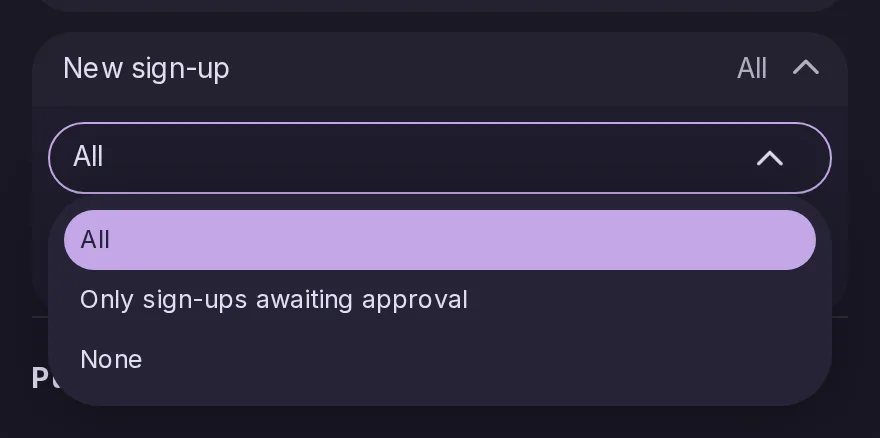
New sign-up, in Settings → Notifications, offers a third answer beside all and none: only the sign-ups waiting for approval, which is what a moderator of a busy server with open registration usually wants to hear about. By default every sign-up is still announced, as on Mastodon.
Finding the posts replying to, or mentioning, someone
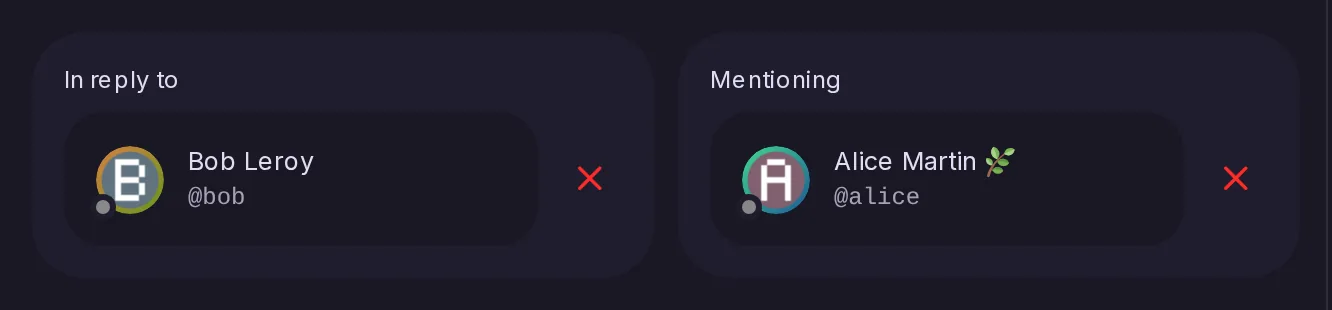
With Meilisearch these two filters are now part of the query instead of being checked on the results afterwards, which used to leave pages short. The server re-indexes every post once, by itself, to add the fields they need.
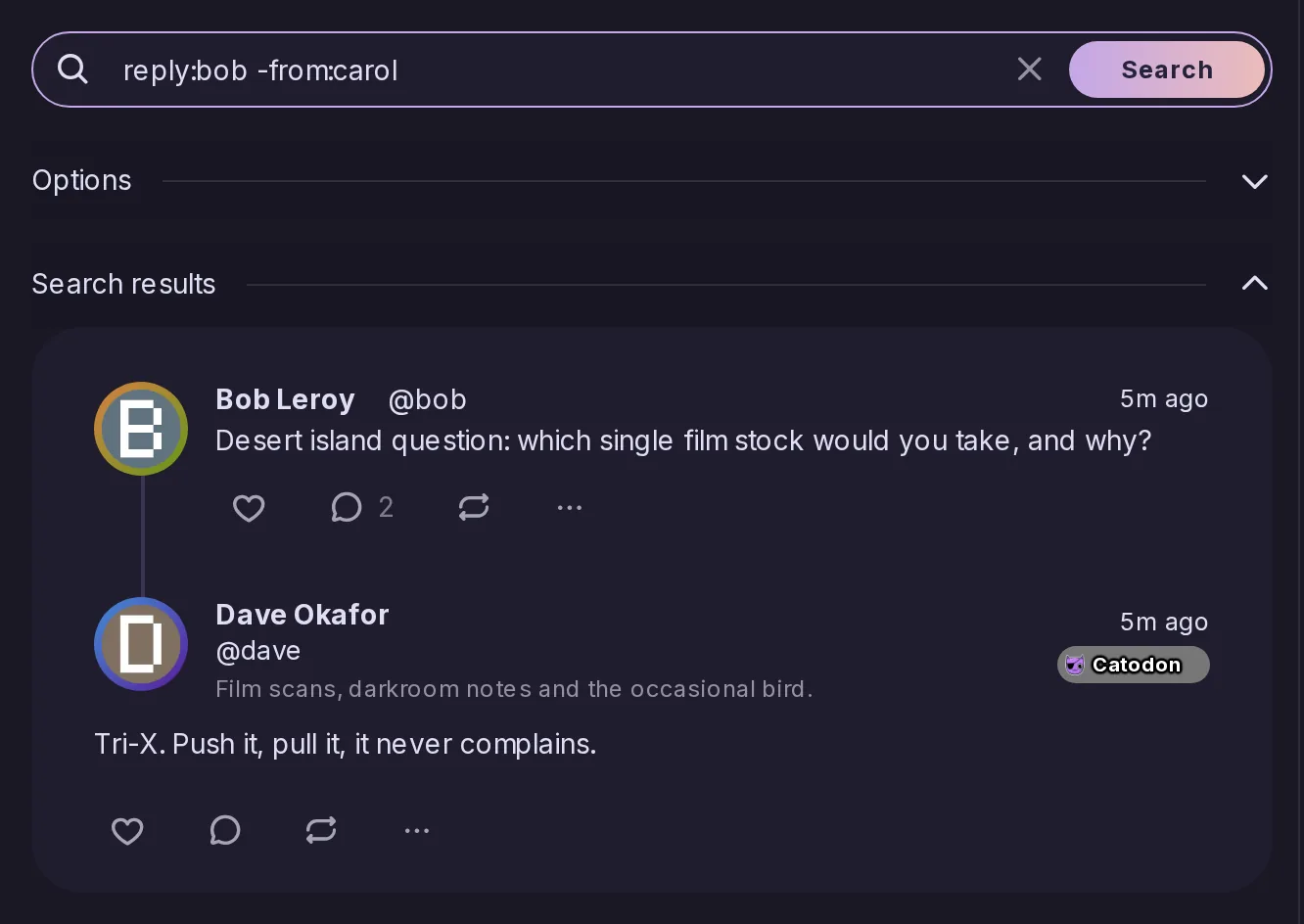
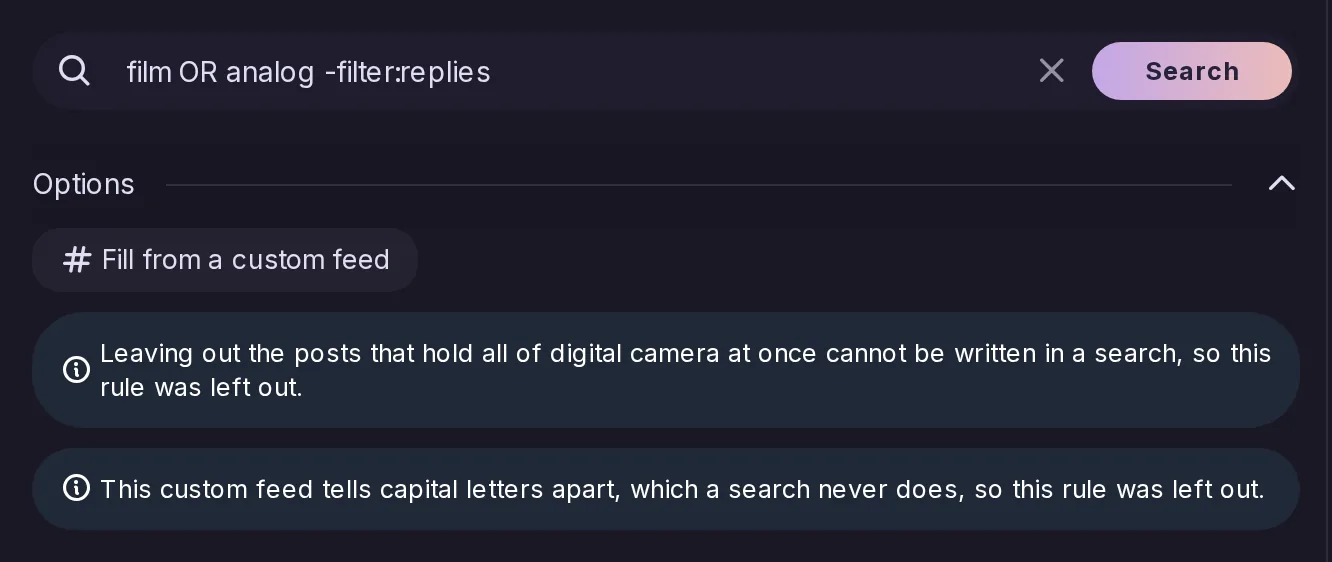
reply: and mention: name an account and can be repeated, and a leading minus leaves out what a token names: -from:, -reply:, -mention:, -instance:, -filter:replies and -filter:renotes. A query made only of tokens now searches for what they ask for rather than for its literal text, so from:alice lists her posts.
Searching only in, or outside, your own posts and lists
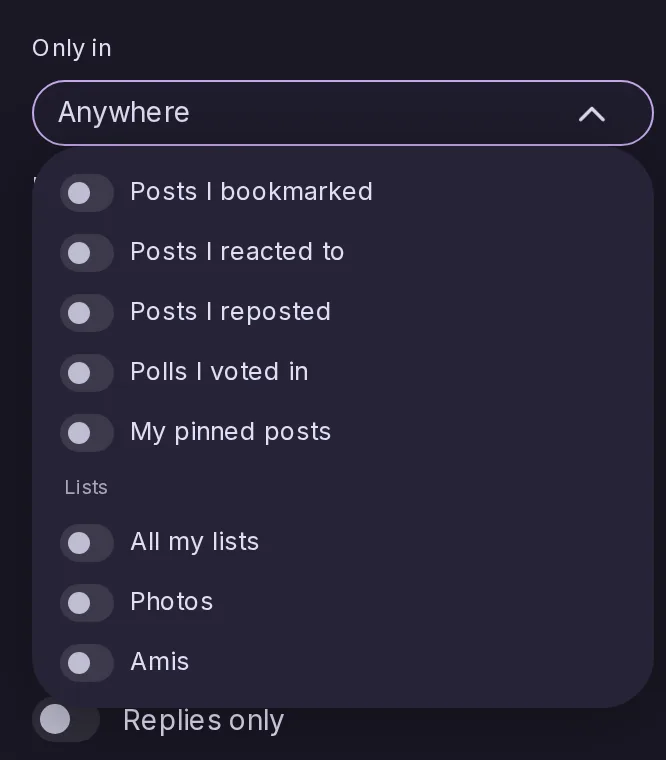
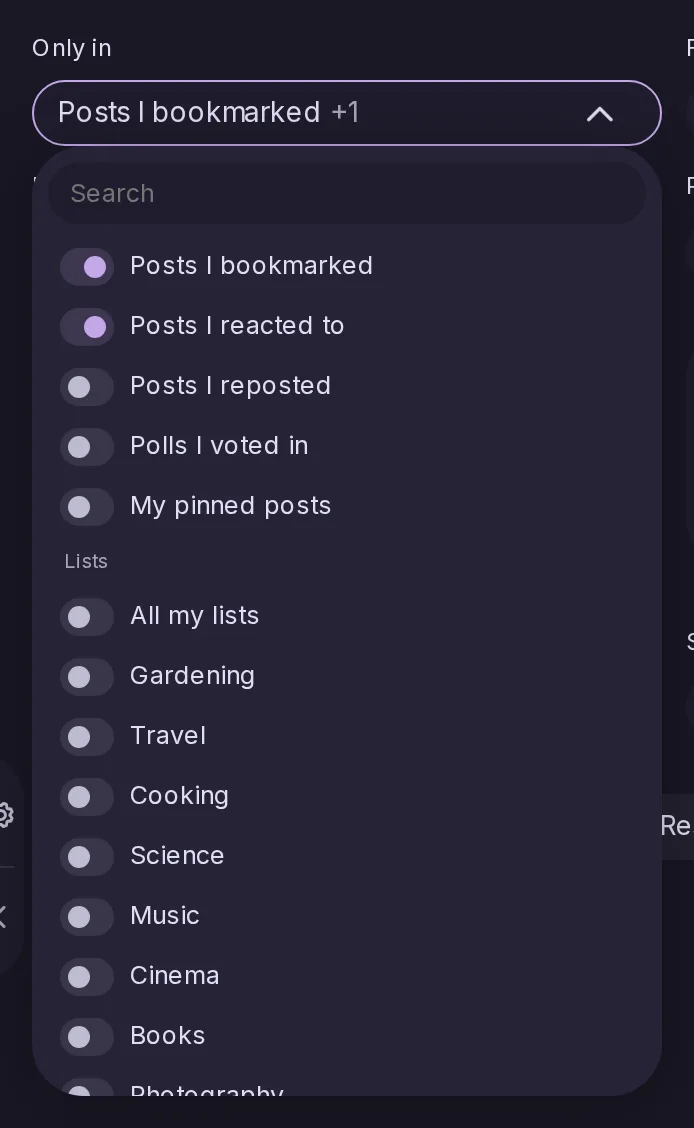
in:bookmarks, in:reactions, in:boosts, in:votes, in:pinned, in:lists and in:list:, each with a form that leaves them out, plus an Only in select in the options. Several of them mean a post in any one.
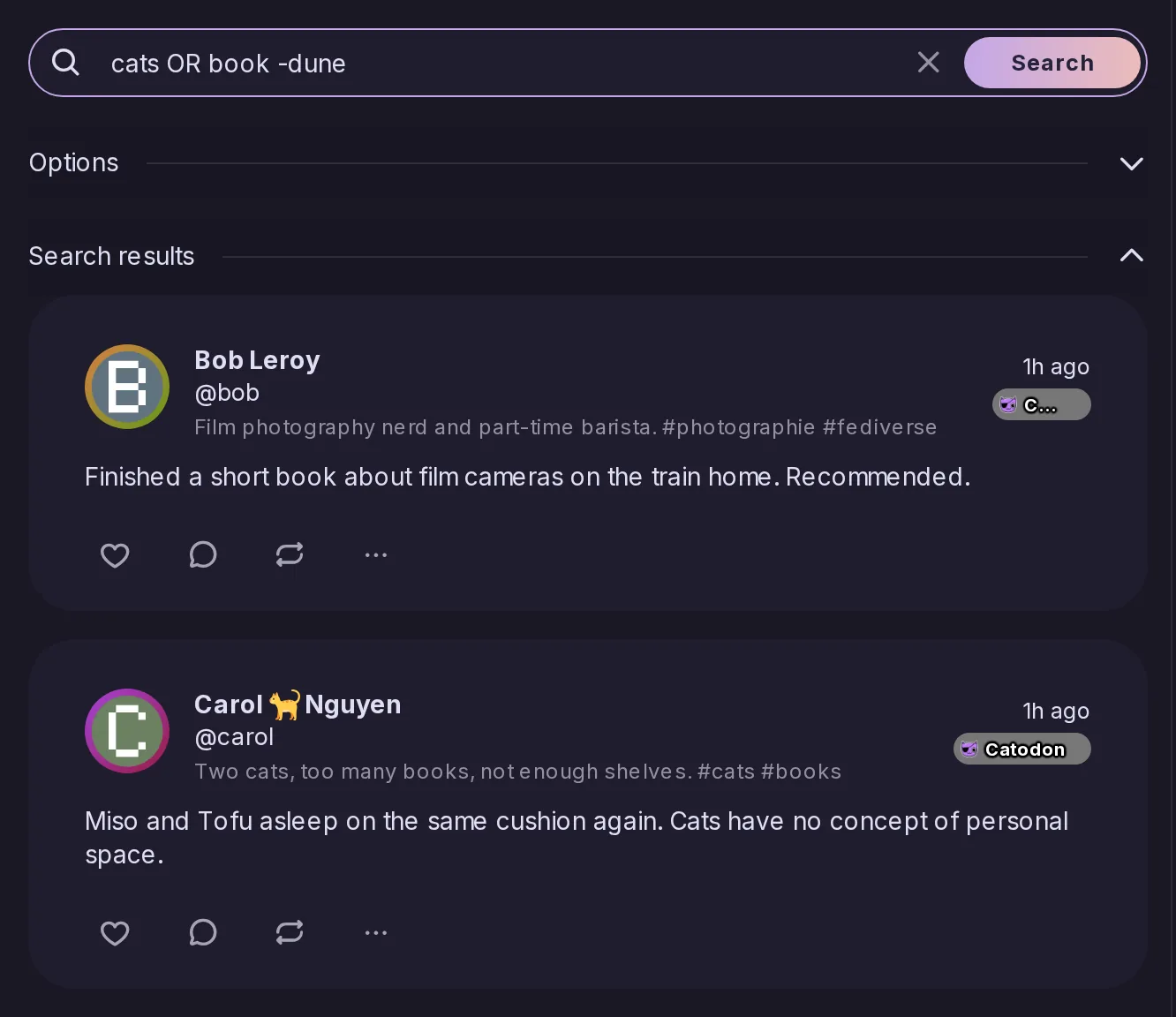
chats OR chiens finds either word, chats noirs OR chiens both words of the first group or the second, and -oiseaux leaves a word out. OR counts only in capitals, and a query with neither is searched exactly as before.
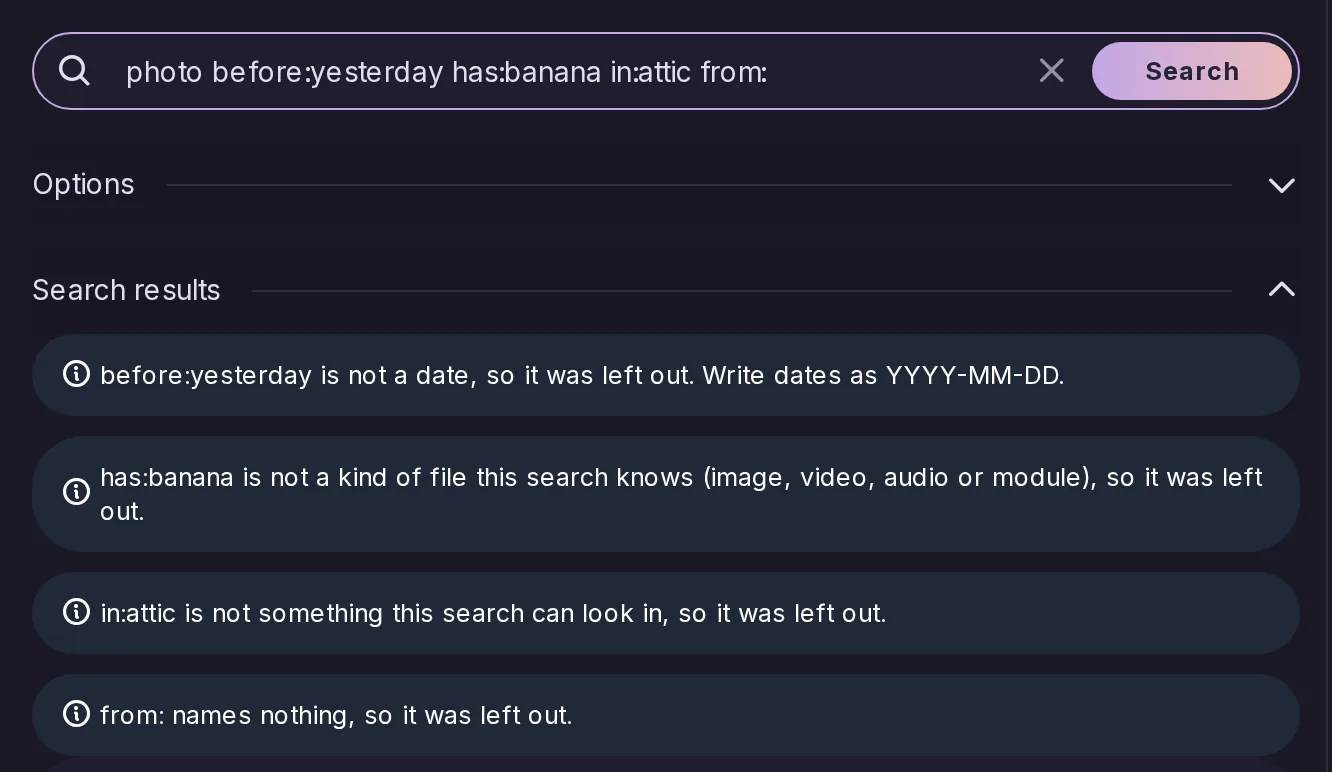
A date that is not one, an unknown has:, in: or filter:, a token naming nothing, an account or list that cannot be found — each is now named as you typed it instead of being dropped without a word, and the search runs without it.
Both take several choices at once, shown joined by “or”, and several has: tokens mean the same. The options panel is laid out in fewer rows, with the sort order as a select rather than a switch.
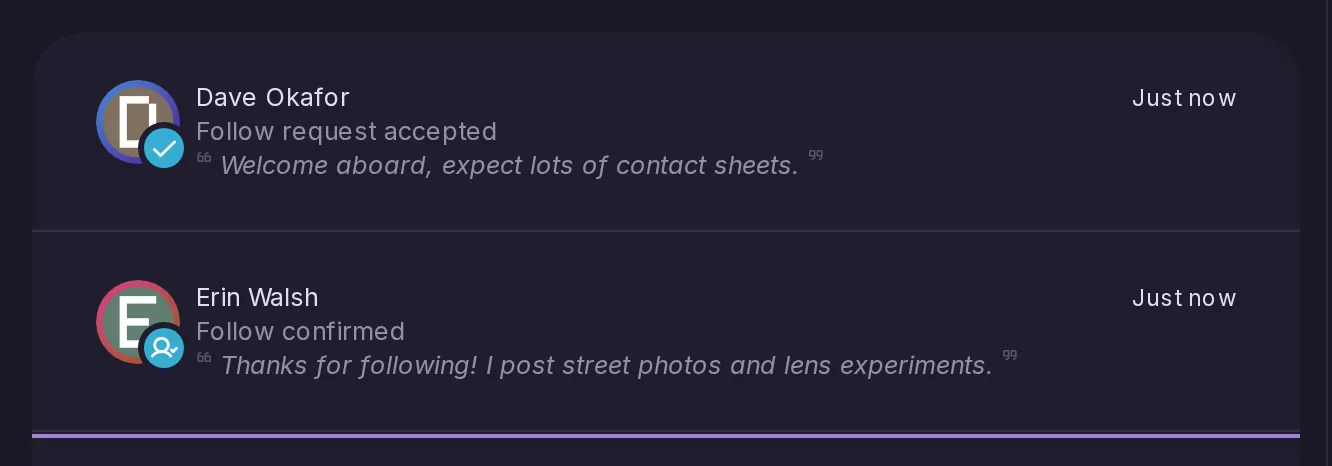
Follow confirmed, apart from Follow request accepted
Every follow used to produce “Follow request accepted”, including a follow to an open account that had nothing to approve. That notification is now kept for follows somebody actually had to approve; every other one gives “Follow confirmed”, which can be turned off on its own.
The language travels over ActivityPub in both shapes the network uses, Mastodon's and Lemmy's, and status.language finally reports something instead of always null — which is what the official Mastodon Android app and Moshidon look at to decide whether to offer a translation.
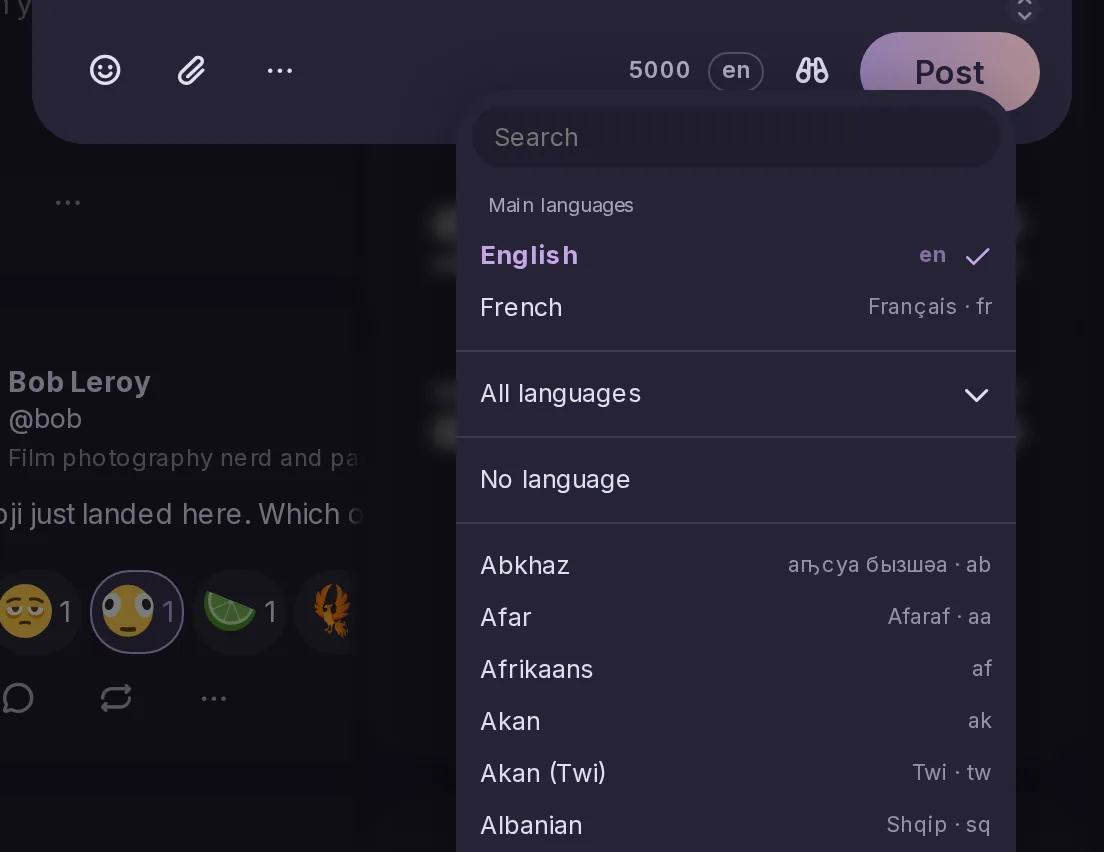
A language pill beside the character count opens a searchable list, with the languages you recently posted in at the top, and Settings → Composing holds the default a new composer starts from. Every rendered post carries its language for screen readers, and shows a small code when it differs from the interface.
The Mastodon translate route now answers from the translator the instance already uses for its own posts, and the instance advertises the feature and the languages it translates into, so Tusky offers its translate button as soon as it sees the flag.
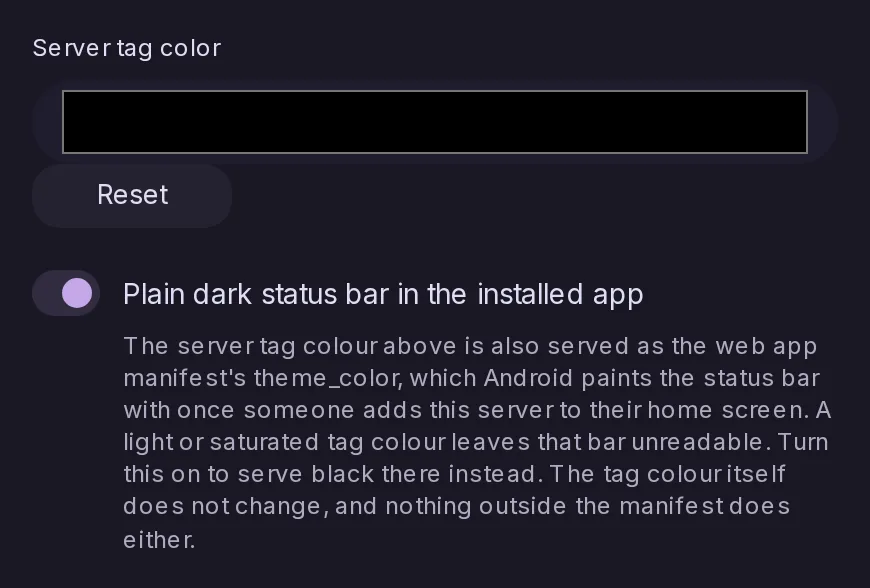
The server tag colour is what Android paints the status bar with once somebody adds the server to their home screen, and a light or saturated one leaves that bar unreadable. A switch serves black there instead, touching nothing else about the colour.
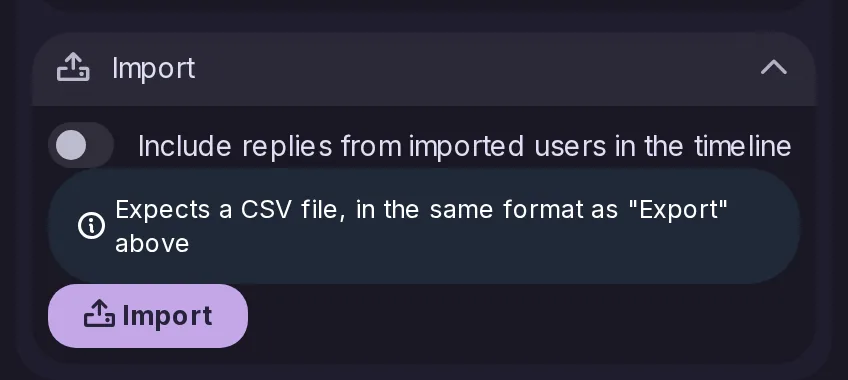
Each import in Settings → Data & storage now shows its expected file format underneath, and the file picker itself is filtered to match, so it is less likely somebody uploads the wrong export by mistake.
Imports are no longer capped by the attachment size
Every import now uploads straight to its own endpoint rather than through the generic drive upload, so it is no longer limited by the 25 MB attachment policy meant for avatars and post media. A new server setting caps them instead, 1 GB by default, sized for a full archive with its media.
Credentials must now come before the file in an upload
On an endpoint that requires credentials and takes a file, the credential has to precede the file in the multipart body. The whole body used to be collected first, which meant writing an entire upload to disk before knowing whether the sender was allowed to send it.
Importing Mastodon posts without the whole archive
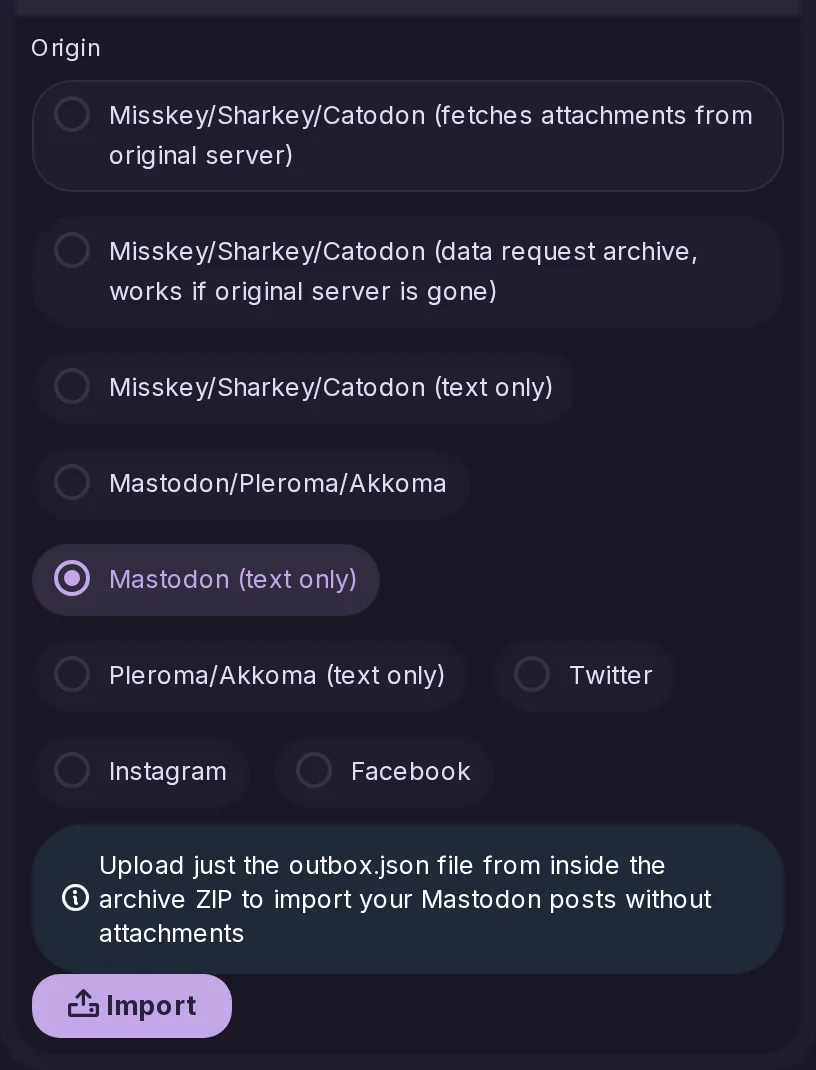
Text-only origins accept just the outbox.json from inside the archive, importing the post text without the attached media. It is the faster option, and the one to reach for when the account's remaining storage would not fit the attachments anyway.
Catodon has always had “Hide from home timeline” on a list, but its Mastodon output ignored it: the field was reported as unknown and dropped when a client tried to set it. Third-party clients now see and change the same thing a Catodon account does.
They have always been stored and federated in both directions; nothing read them back out. Both APIs now report them wherever the account is the subject of the request, and the Mastodon update route writes them onto the pictures named in the same call. The web client does not show or edit them yet.
RSS, Atom and JSON feeds for a hashtag, in the same shapes as an account's own. Because it crosses everybody's posts rather than one author's, it guards each author and each post, leaving out anything that is not fully public — unlisted posts included.
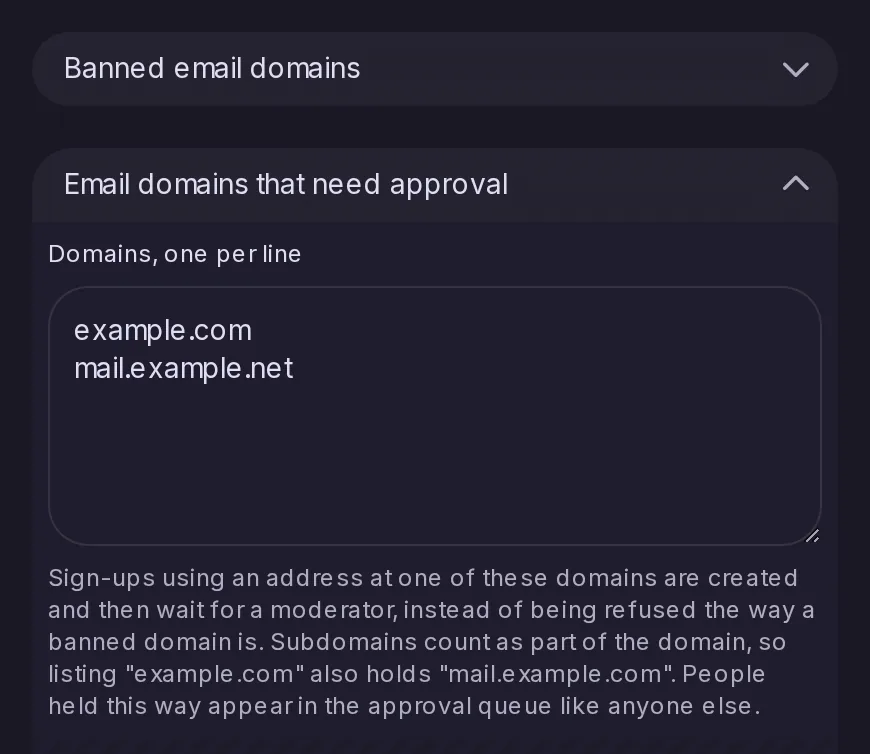
Beside the banned domains, a second list whose sign-ups are created and wait for a moderator in the existing approval queue, where a banned domain refuses them outright. A domain listed covers its subdomains.
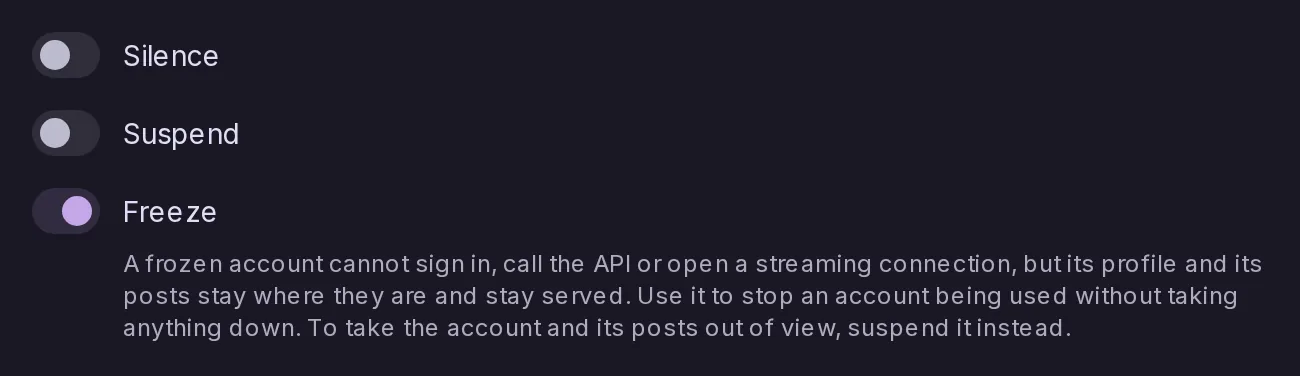
A frozen account can no longer sign in or act, on any path, including with an access token it was already holding, while its profile and its posts stay exactly where they are and stay served to everyone. It is the tool for stopping an account being used without taking anything down.
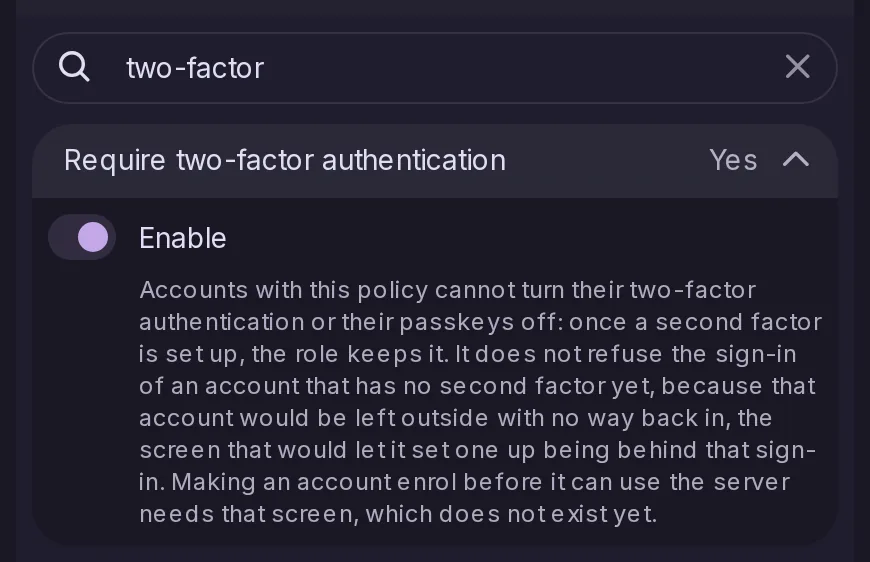
Off by default. An account the policy applies to can no longer turn its two-factor authentication or its passkeys off once set up. It does not refuse the sign-in of an account that has none yet, which would leave that account outside with no way back in.
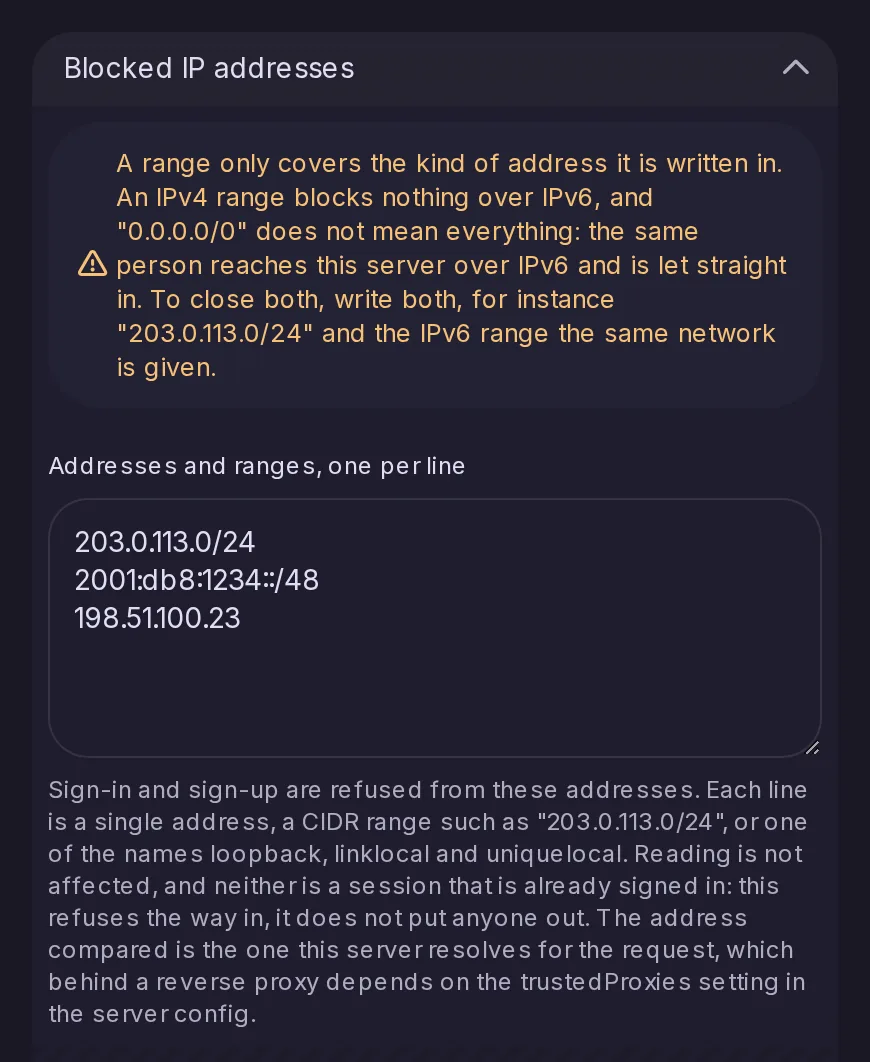
Single addresses, CIDR ranges and the loopback, link-local and unique-local names. Sign-in, passkey sign-in and sign-up are refused from them; reading is not affected and a session already signed in is not ended, so this closes the way in rather than putting anyone out.
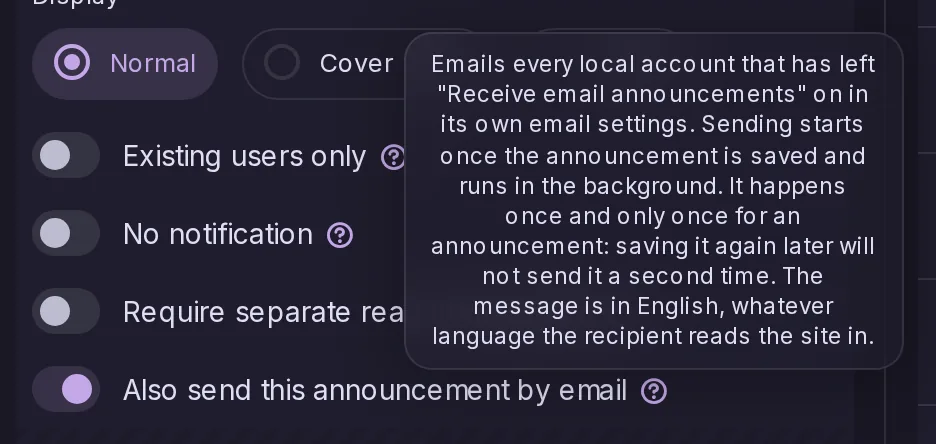
A switch in the announcement editor mails it to the local accounts that have left email announcements on and have a verified address. It is sent in the background in batches, resumes where it left off, and happens once for an announcement's whole life.
Pointing at another account without handing over your followers
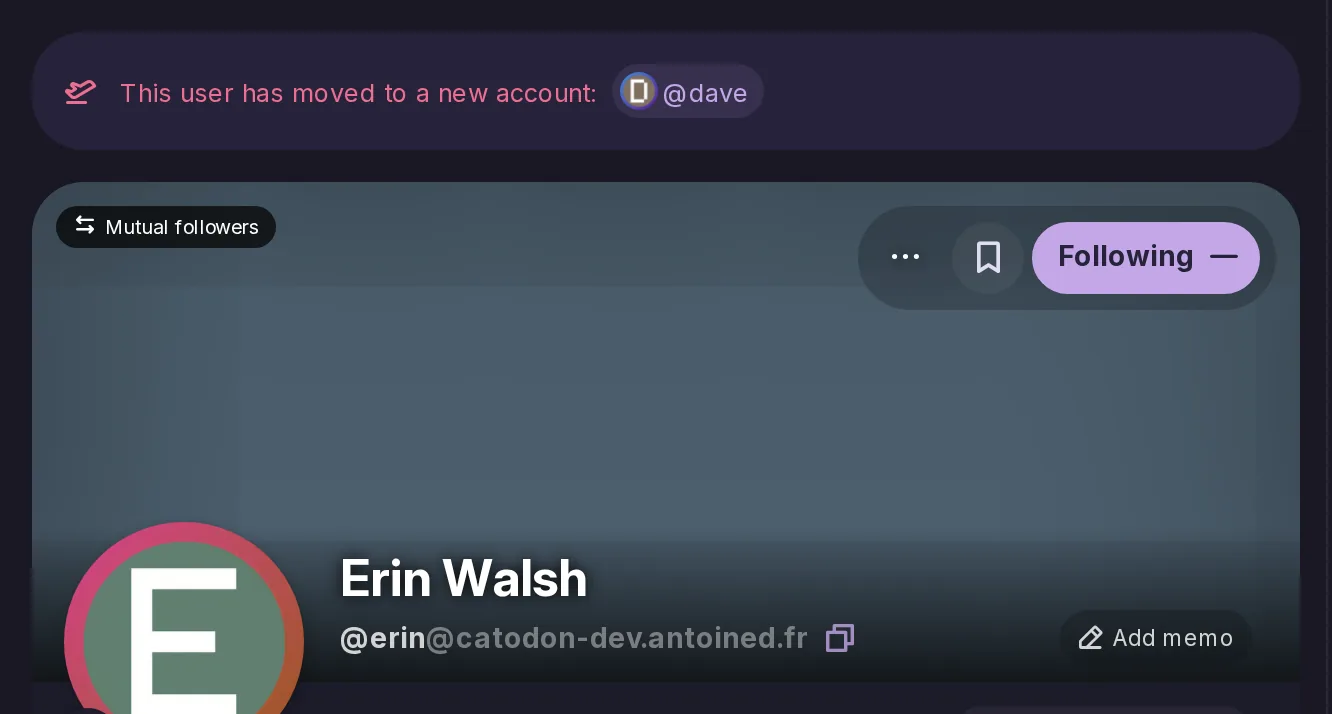
Mastodon's profile redirect, beside the full move that was until now the only way to leave. The destination is announced on the profile and over federation, no follower is asked to move, nothing is copied, and unlike a move it can be taken back.
The last two things Mastodon lets somebody carry to a new server and this one did not. Both take the file Mastodon exports, the bookmark import also reads this server’s own export, and every bookmarked post is checked against what the importing account is allowed to see. Settings has no button for either yet, so for now both go through the API.
A report used to be a comment and nothing else: the category was glued to the top of the text, the posts were listed at the bottom as bare identifiers, and the rules ticked were dropped without a word. A report now has a category, the rules it says were broken and the posts it is about, each stored as itself.
Being told when a moderation decision cuts your connections
When a moderator blocks a whole server, every local account that had followers there, or followed somebody there, now gets a notification naming the server, with a count for each direction. Nothing said so before. Unlike Mastodon, the follows are not deleted: lifting the block brings them back.
Every Saturday the default branch is built and pushed under a moving dev tag and a dated one, so an instance can run what is being written without building it. The three most recent dated images are kept, so a bad week can be stepped back from, and the release channels are untouched.
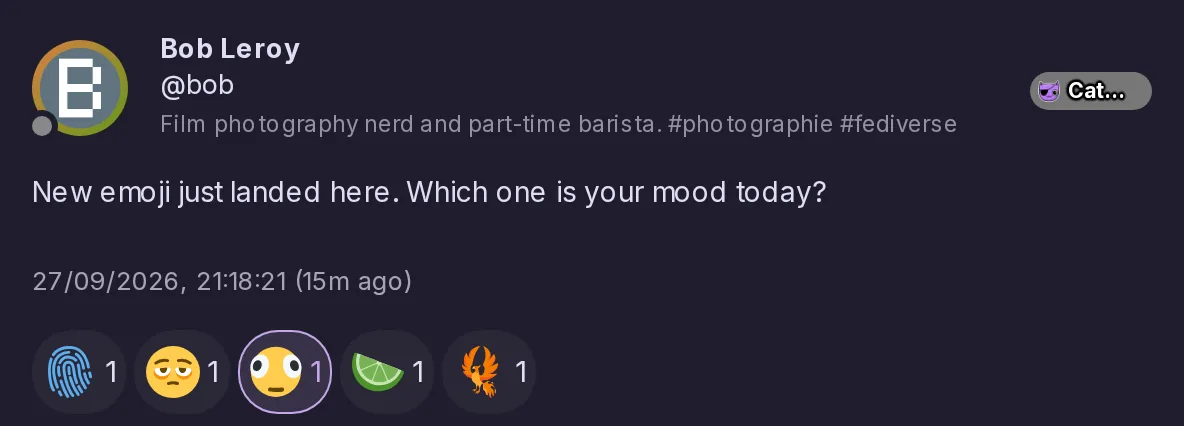
114 emoji the list did not have, and those from Emoji 15.1 onwards now work as reactions, where the server used to turn a phoenix into a plain bird. An emoji your chosen style has no picture for is drawn with Twemoji instead of showing as broken. 32 emoji names change to follow the current Unicode names.
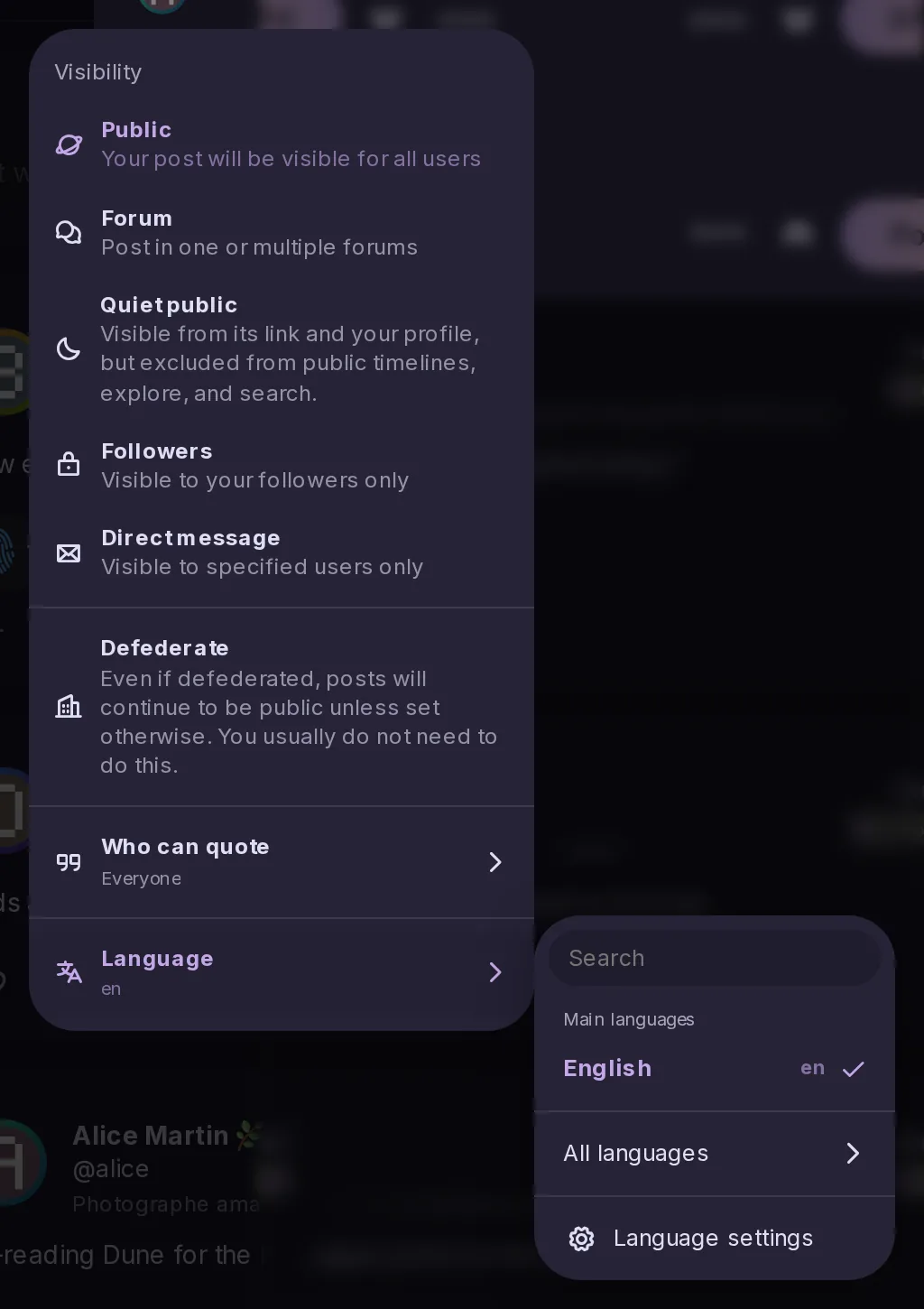
Moving the language choice into the visibility menu
Off by default. Turned on, the composer's language pill leaves the footer and a Language row takes its place at the bottom of the visibility menu, opening the same list as a submenu.
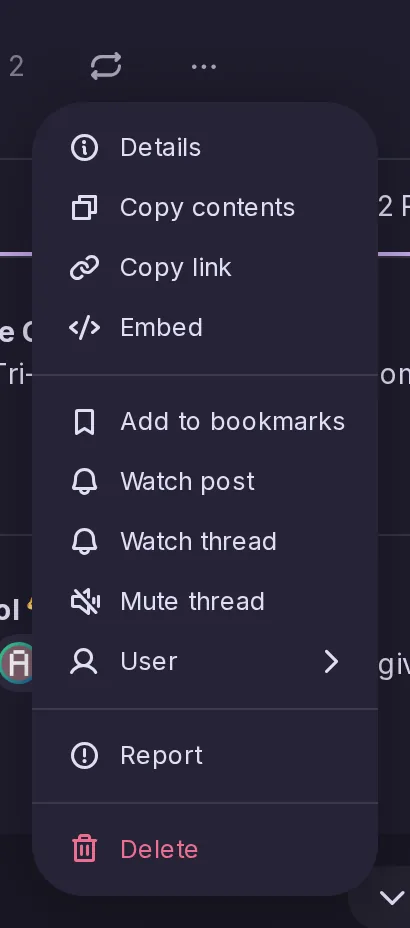
A right click on a post that comes from another server now offers to open it where it was written, which saves opening the post first to reach that link. A repost is judged on the post it reposts.
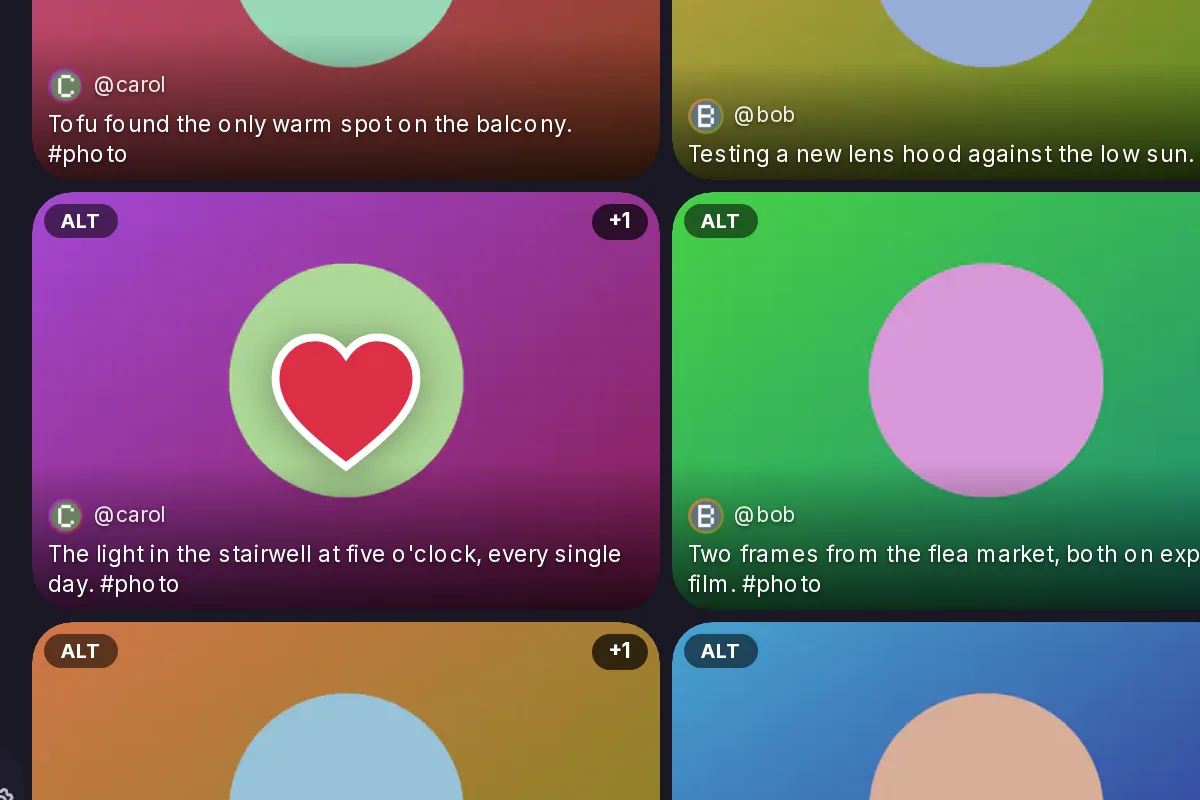
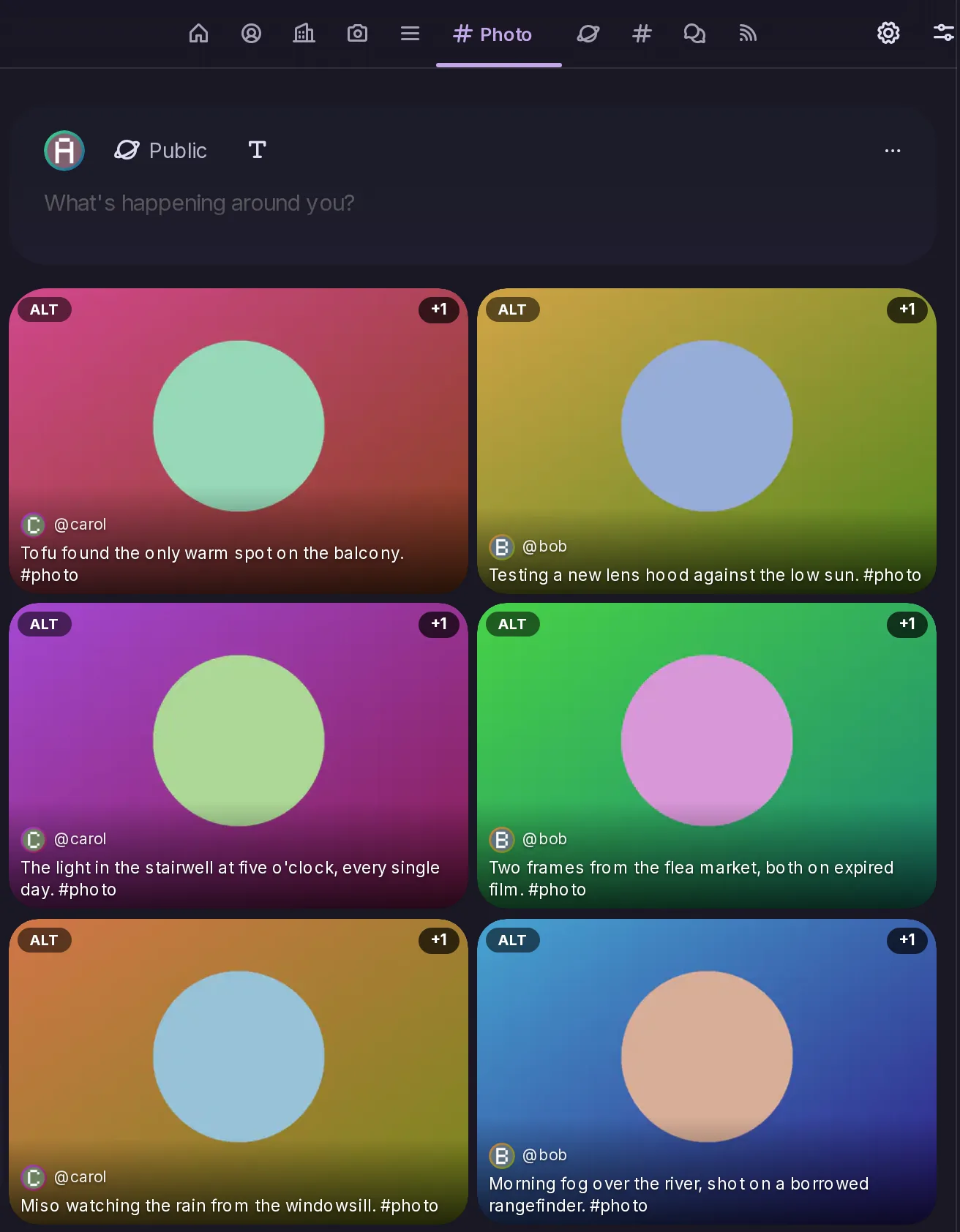
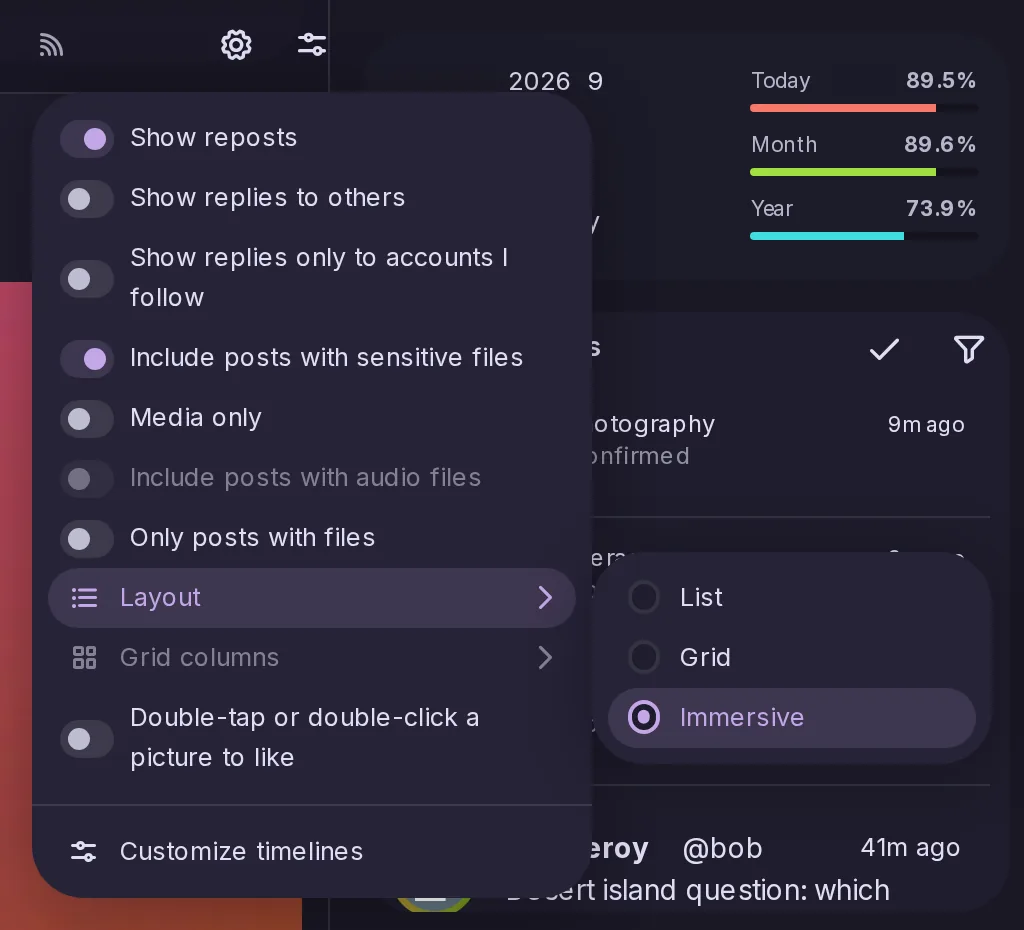
In the Media timeline's grid and immersive layouts, a double tap — or a double click with a mouse — likes a post without opening it, with a heart that grows over the picture and fades. It never takes a like back.
A custom feed shown as its own timeline tab can now be displayed as a grid or immersively, like a list. The layout does not filter the feed, and one already stored for a feed, which the app used to ignore, now takes effect.
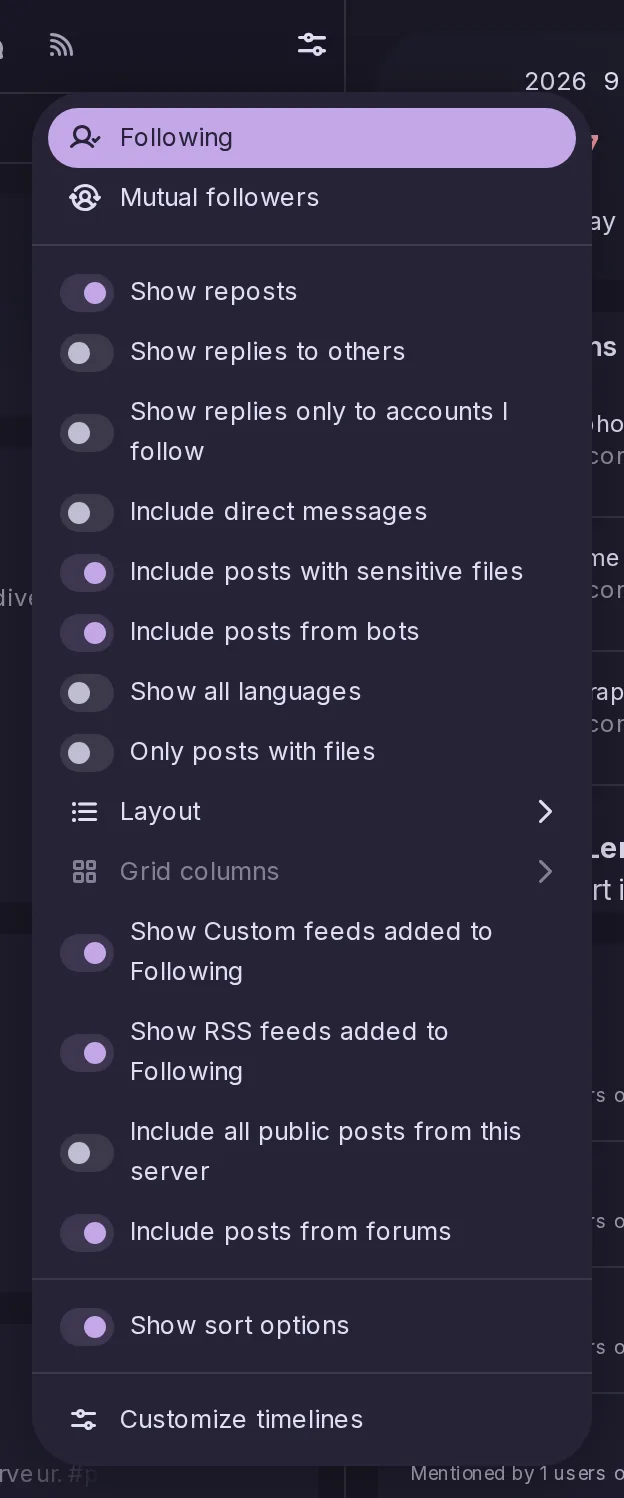
Layout, grid columns and media-only settings are reachable from the timeline itself rather than from Settings, and media only is now set for each tab on its own — so a photo list can show only pictures while a news list shows everything.
A new switch in Settings → Posts and reactions → Links and Media hides the whole preview box, not just its thumbnail; a post whose link was only reachable through that box shows it as a plain link. It applies to your device only, and the Forums timeline keeps its link cards.
Apps that sign in without registering, and the ActivityPub client API
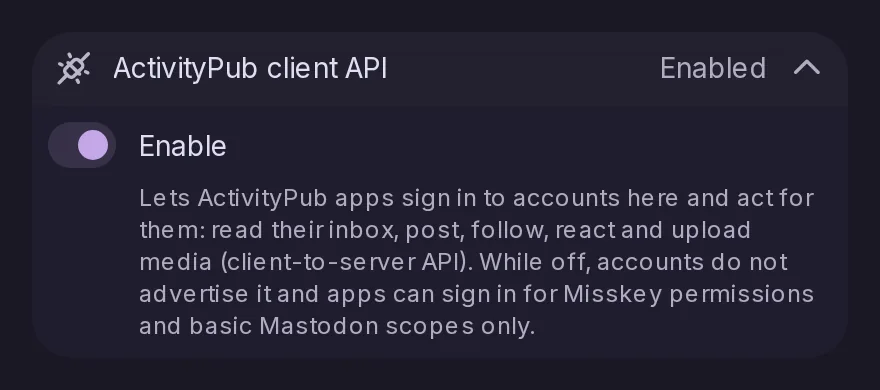
An app can sign in with nothing registered beforehand, identified by a web address that describes it and proving itself with PKCE; the consent page shows its name and icon. Apps using the ActivityPub client-to-server API can then post, follow, react, read the home timeline and more through the account’s outbox. It is on by default, and Control Panel → Federation → Policy turns the ActivityPub client API off.
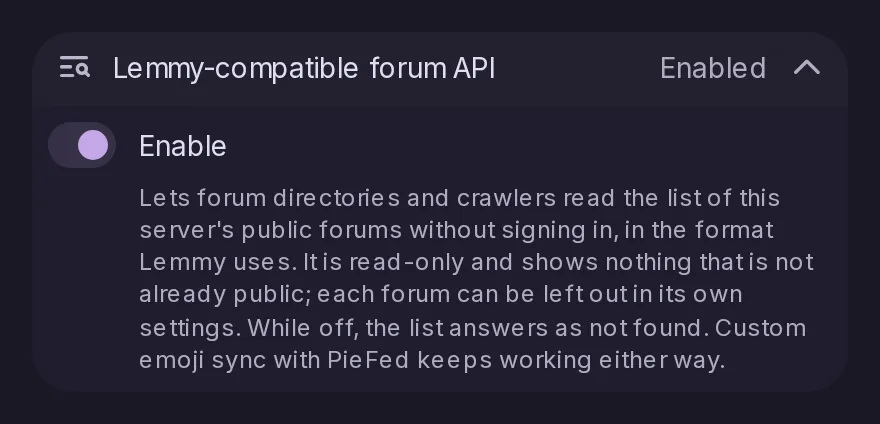
Forum directories and crawlers written for Lemmy can now list this server’s public forums, with their description, pictures and counts, through a read-only API in Lemmy’s format. Only public, federated forums listed in discovery appear. It is on by default; Control Panel → Federation → Policy turns it off, and List in forum directories leaves a single forum out.
A server on any Misskey release up to 2026.10.0 can now migrate to Catodon in place, without manual SQL, where only Misskey 2025.4.1 or earlier could before. Remote note cleaning arrives switched off and in dry-run mode, even if it was on under Misskey.
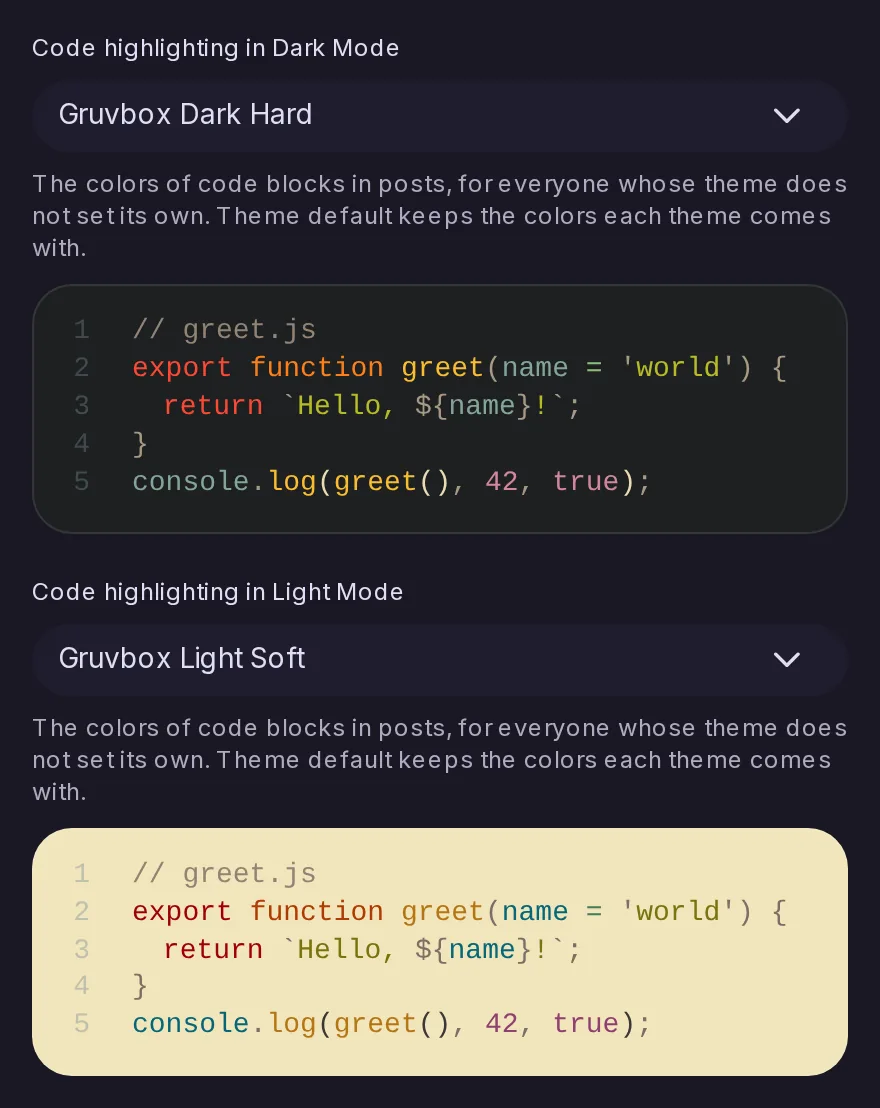
Control Panel → Branding lets admins choose the colours of code blocks in posts, one theme for dark mode and one for light mode, with a preview. The choice applies to everyone whose colour theme does not set code colours of its own, and the default keeps the colours used until now.
Three forum fields the server already sent, whether a forum is for adults and two restrictions on who may post, are now declared in the API description, and the generated misskey-js types follow. Nothing the server sends changes.